Results 1 to 15 of 15
- 01-27-2013, 09:29 PM
Thread Author #1
- 01-27-2013, 10:09 PM #2
Re: This keeps popping up
Looks like some Verizon app. Not sure exactly. Maybe see if you have any updates pending in play store app.
Sent from my SCH-I535 using Tapatalk 2 - 01-28-2013, 07:26 AM #3
Re: This keeps popping up
I get that same message several times a day. I thought I was getting it because I had no or low signal strength. I'm curious to know if it is popping up for other reasons.
- 01-28-2013, 07:53 AM #4
Re: This keeps popping up
Some additional info would help...
Do you only see this when using the text messaging app, or certain apps, or a random times? - 01-28-2013, 11:36 AM
Thread Author #5
- 01-28-2013, 11:52 AM #6
- 01-28-2013, 11:53 AM #7
Re: This keeps popping up
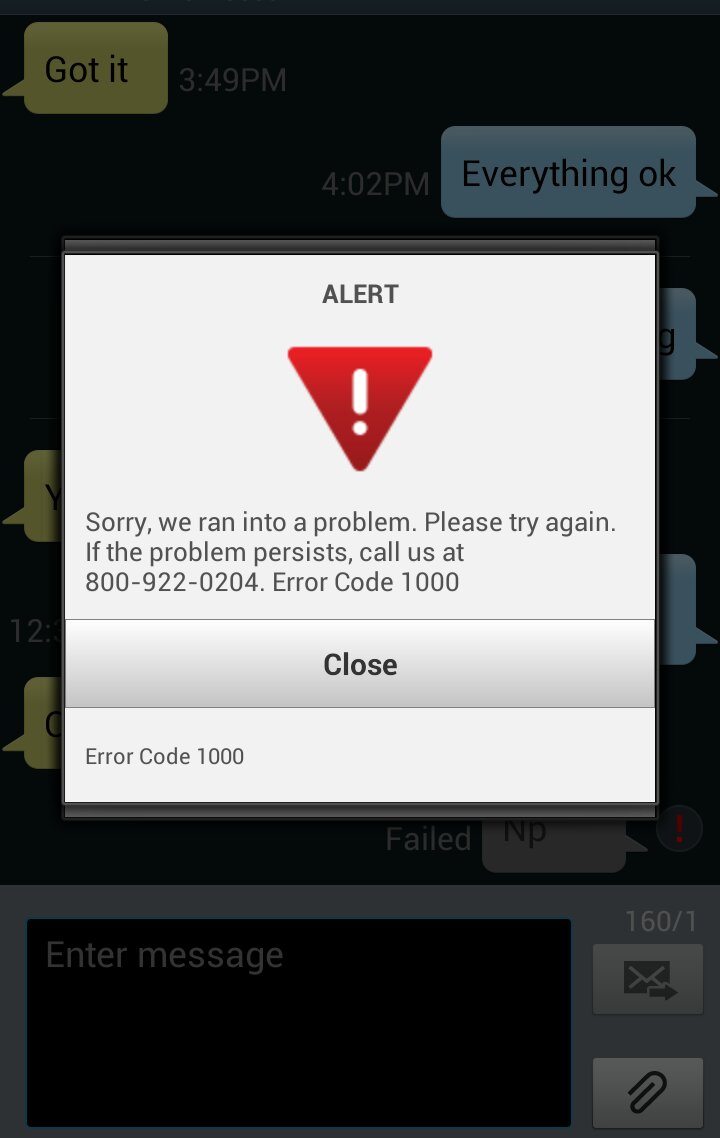
OK, a Google search tells me that 800 number is Verizon, so that's narrows it down a bit.
When it happens, does it actually prevent you from doing anything (i.e. sending a text, opening an app, etc), or does it just pop-up and then go away with no apparent effect on what you're doing?
Do you have Verizon Backup Assistant enabled? - 01-28-2013, 12:10 PM #8
Re: This keeps popping up
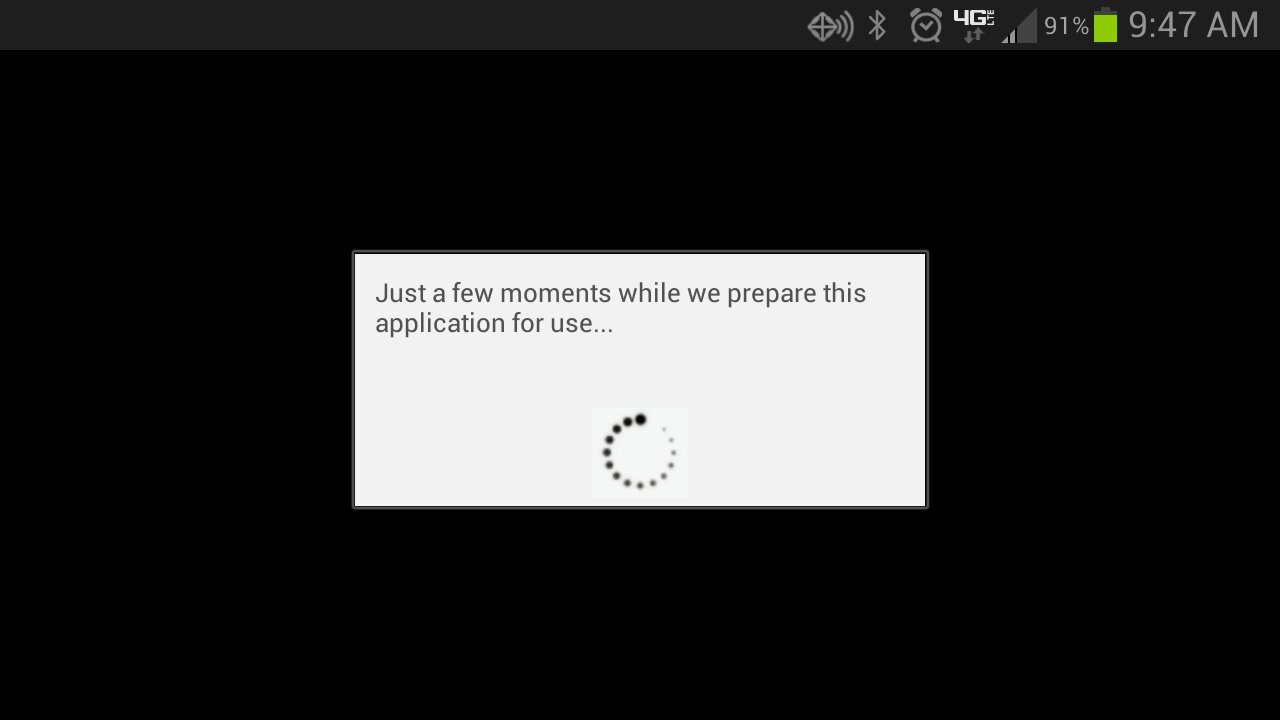
When I get the message, I cannot do anything until it goes away. Which may take 3-10 seconds. I only see the message when I unlock my phone. I have yet to have that message pop up while I'm in the middle of a task.
- 01-28-2013, 05:05 PM #9
Re: This keeps popping up
Might want to try disabling the verizon apps on the phone.
- 01-28-2013, 06:08 PM
Thread Author #10
- 01-28-2013, 08:18 PM #11
Re: This keeps popping up
Go to settings>application manager>all applications
Find the backup assistant app in the list. Select it and hit the disable option - 01-28-2013, 08:45 PM
Thread Author #12
- 01-28-2013, 09:05 PM #13
Re: This keeps popping up
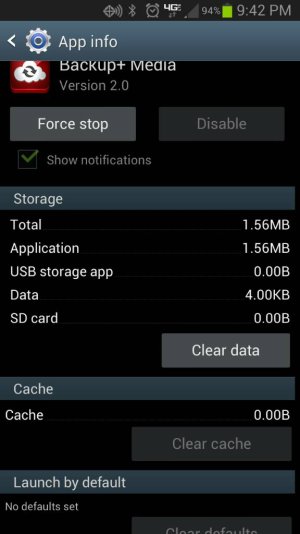
sorry I just noticed that too. Try force stopping and clearing the data, maybe that'll stop the pop up. After that I'm pretty much out of ideas
Edit: have you disabled all the other verizon apps? - 01-29-2013, 09:00 AM #14
Re: This keeps popping up
Under the accounts section on the settings menu there is Backup Assistant Plus. Try going in there to see if there is an option to turn it off. I've never enabled it so I can't see what options are in there.
- 01-29-2013, 09:37 AM #15
Re: This keeps popping up
I believe you go to the VZW website, log on and disable the backup from the website.
I wish I had more to impart, but I has been a while since I disabled mine.
Blue 32gb Galaxy S3
Similar Threads
-
"USB connected" keeps popping up when unplugged
By GalaxyNole in forum Verizon Fascinate Rooting, ROMs, and HacksReplies: 4Last Post: 02-23-2013, 09:25 AM -
Pro keeps popping up google while texting
By megan in forum Motorola Droid ProReplies: 2Last Post: 10-27-2011, 11:53 PM -
Same text message keeps popping up in the notifications?
By jonkim723 in forum Verizon Droid IncredibleReplies: 10Last Post: 05-31-2011, 12:09 AM -
I am using handcent but my old messaging keeps popping up. Turn it off?
By mdwright1032 in forum LG Optimus SReplies: 6Last Post: 01-09-2011, 03:30 PM -
Applications keep popping up in the background?!
By kelv1ntran in forum HTC HeroReplies: 1Last Post: 01-14-2010, 05:07 PM


Reply