- 06-20-2010, 07:20 PM
Thread Author #1
- 06-20-2010, 09:51 PM #2
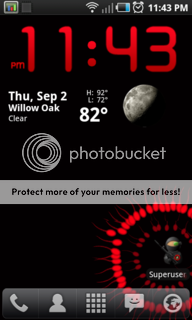
Here's mine on my Evo... all of them lol
- 06-20-2010, 10:18 PM #3
Coming from a Pre how do you take a screen shot? that's one thing I can't seem to figure out.
Last edited by kinster02; 06-21-2010 at 08:30 PM.
- 06-20-2010, 11:28 PM
Thread Author #4
- 06-20-2010, 11:31 PM #5
- 06-21-2010, 12:56 AM #6
- 06-21-2010, 01:43 AM #7
- 06-21-2010, 08:01 AM #8
lol... this is a personal creation of mine... I have posted quite a few others that I made over at http://forum.androidcentral.com/wall...allpapers.html
- 06-21-2010, 03:19 PM #9
How do you add more screens? Mine only has 5.
Thanks. - 06-21-2010, 05:21 PM #10
I'm using default.
technology news about android - 09-03-2010, 12:08 AM #11
- 10-12-2010, 08:58 PM #12
If I've been helpful to you in some such way or another, kindly hit the "Thanks" button on the bottom right.. Appreciate it!Thanked by 3: - 10-12-2010, 09:34 PM #13
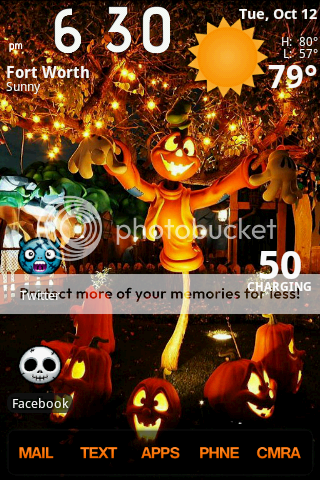
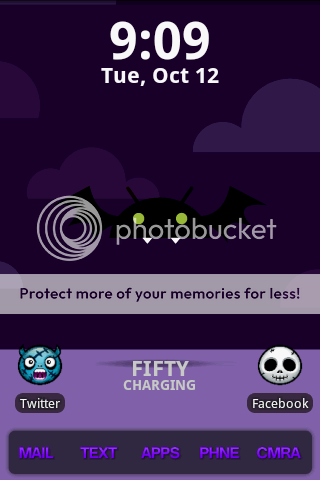
Hey guys! This is my first post! I've had my Samsung Moment for a little over a month & I LOVE it.. Here are a couple Halloween screenshots I took using SDK


- 10-13-2010, 09:28 AM #14
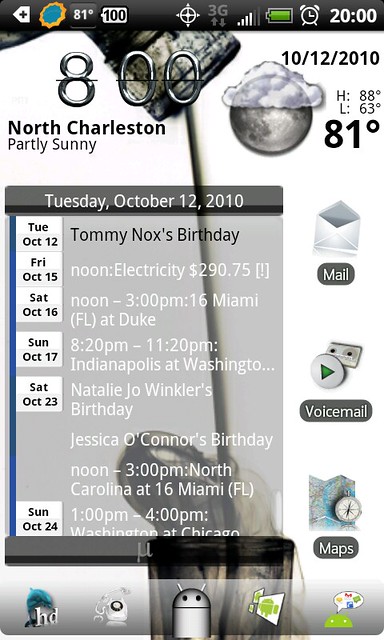
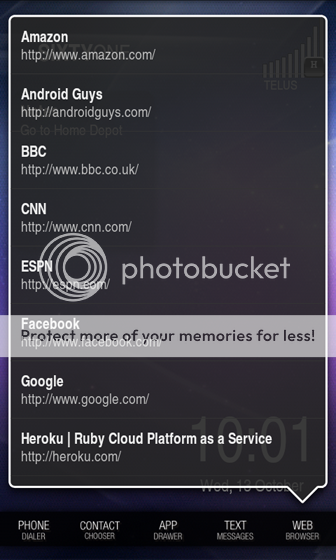
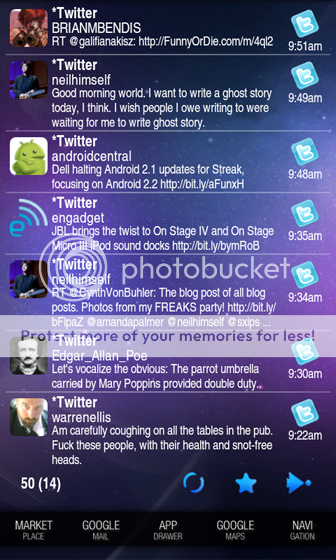
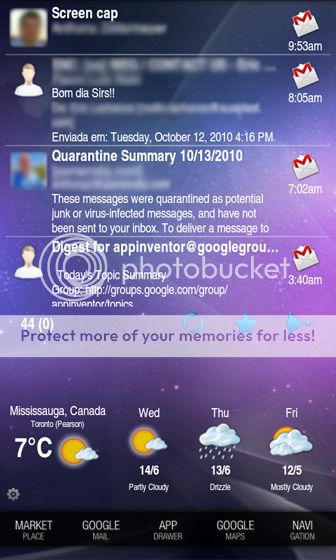
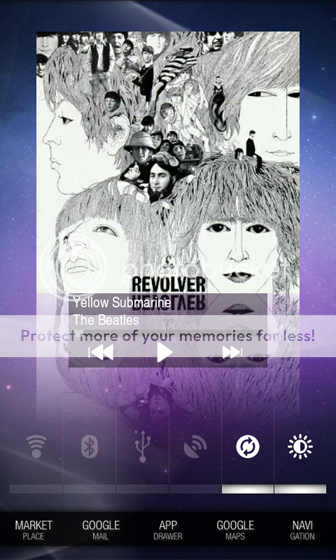
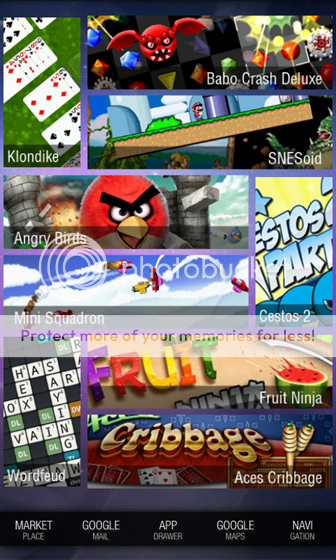
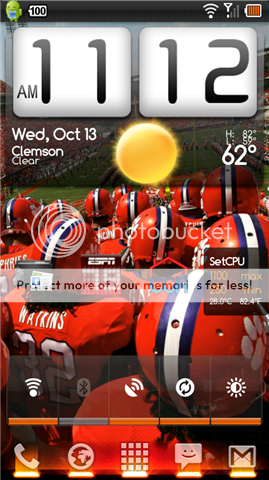
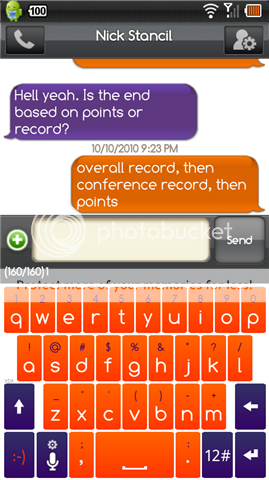
Just started tinkering yesterday. Here's the result. I shamelessly stole a lot of ideas and some templates from various themes, but did most of the graphics work myself.


- 10-13-2010, 10:45 AM #15

Motorola Droid, Viewsonic G-Tablet, Logitech Revue, HTC Thunderbolt, B&N Nook Color - 10-13-2010, 10:50 AM #16
- 10-13-2010, 11:56 AM #17
I can help, but it takes some stuff.
I took the method and templates from the on XDA. I had to adjust it a bit to work on my Nexus. You also need LauncherPro Plus (for proper resizing) and Desktop Visualizer. The method is the same as the one in the link, except that you need to set your homescreen to 6 rows instead of 5.
Select a 4x1 desktop visualizer widget and choose a horizontal image and link it to the app, then resize it to 3x1. 1x2 vertical widgets are straight forward, no resizing necessary. It should work out. If you have an EVO or the like there is another version of AP7 theme that has differently sized templates that you should use. I put the source images that I made below.


- 10-13-2010, 12:40 PM #18
solid orange, whats that clock widget called? since i rooted and tried out a few new roms i've lost my sense clock and i do like it, and that looks like a good replacement.
- 10-13-2010, 01:42 PM #19
It's Fancy Widget, I think. Just different because he changed the system font.
- 10-13-2010, 01:58 PM #20Motorola Droid, Viewsonic G-Tablet, Logitech Revue, HTC Thunderbolt, B&N Nook Color
- 10-13-2010, 02:17 PM #21
- 10-13-2010, 02:38 PM #22
[QUOTE=Prof-KOS;391841]I can help, but it takes some stuff.
I took the method and templates from the on XDA. I had to adjust it a bit to work on my Nexus. You also need LauncherPro Plus (for proper resizing) and Desktop Visualizer. The method is the same as the one in the link, except that you need to set your homescreen to 6 rows instead of 5.
Select a 4x1 desktop visualizer widget and choose a horizontal image and link it to the app, then resize it to 3x1. 1x2 vertical widgets are straight forward, no resizing necessary. It should work out. If you have an EVO or the like there is another version of AP7 theme that has differently sized templates that you should use. I put the source images that I made below.
QUOTE]
Big thanks for this.. I will be trying this out. Got to get Desktop Visualizer and im set.. Thanks again.... - 10-13-2010, 03:51 PM #23
no problem. Happy to help.
- 10-13-2010, 04:26 PM #24
- 10-13-2010, 06:28 PM #25
If I've been helpful to you in some such way or another, kindly hit the "Thanks" button on the bottom right.. Appreciate it!


Reply


Very nice..