
Have you heard of the UCCW app? It started as a clock widget app and over the past few months, it has added several features.So much so that it had to drop 'clock' from its name and now it is called "Ultimate Custom Widget". It gives you all the clock functions like time, date, alarm etc; plus weather info, missed call/text notification etc.
Basically you can download unlimited number of skins for the widgets and apply them to your homescreen or lockscreen. Endless number of screens are available in play store and if you want, you can create your own skins as well. Here I'll be sharing the skins I've made. Enjoy.
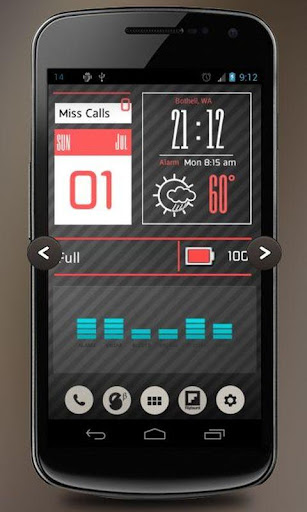
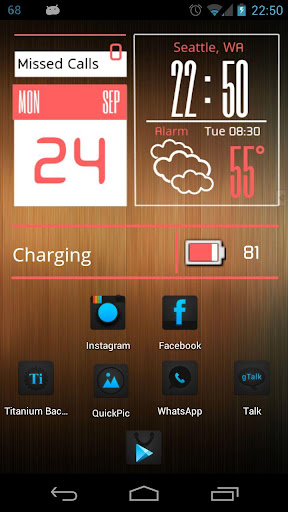
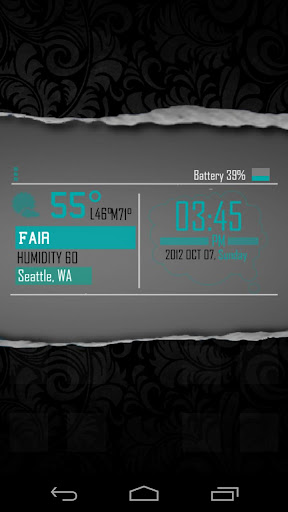
Earlier it was a three skin setup. Now it's 2 skin. Battery bar is one skin and the rest in another. Working on merging everything in one skin. Till then, if you appreciate my efforts, get them from Play Store -
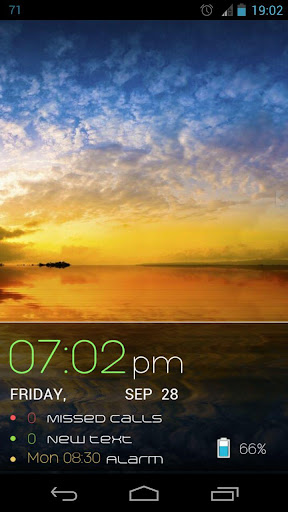
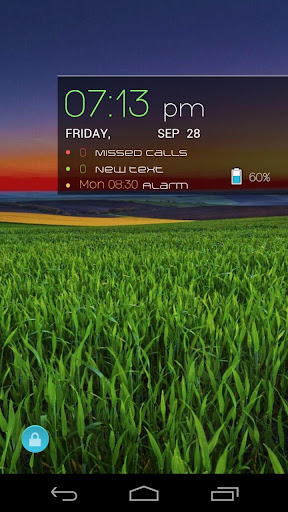
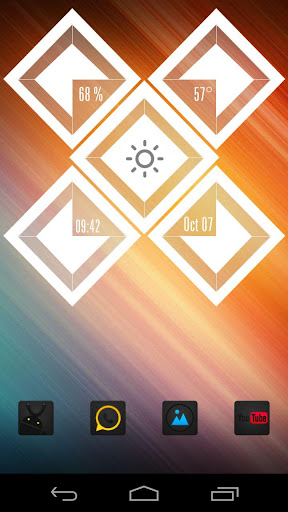
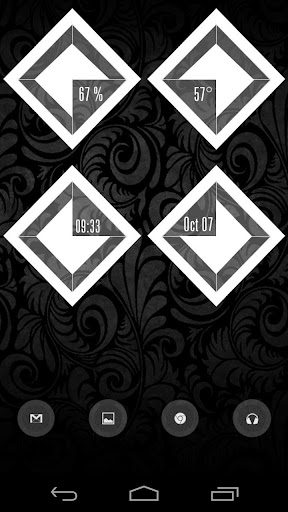
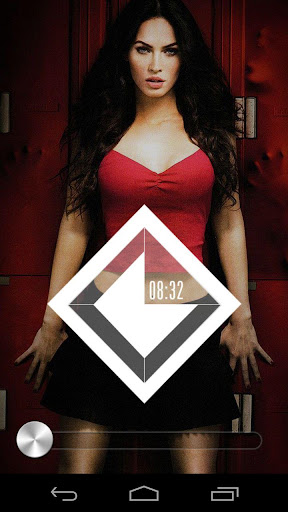
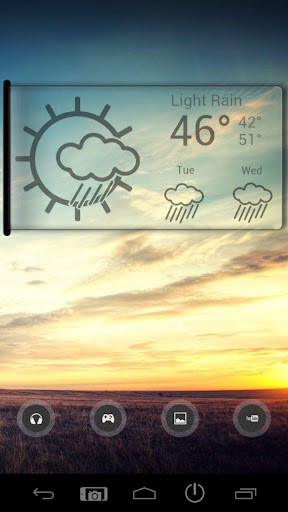
Good thing about this skin is you can stretch it to fill the width of the screen or keep it one or two notches short. Either way it looks good.
If you really like it, get it from Play Store -
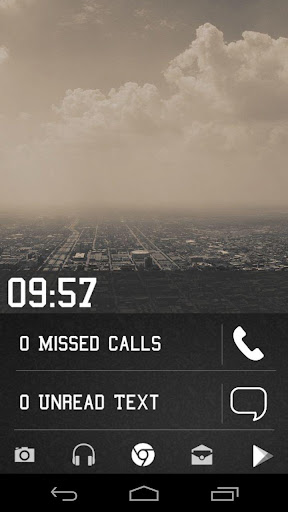
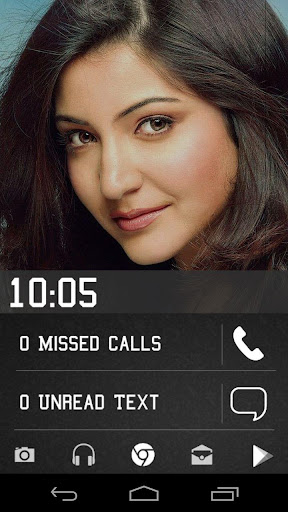
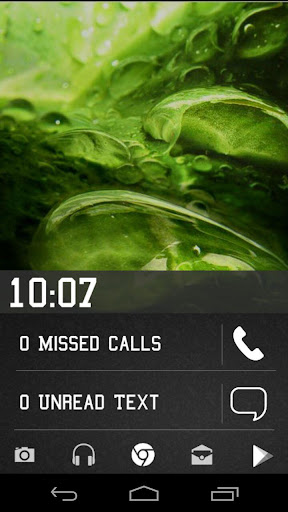
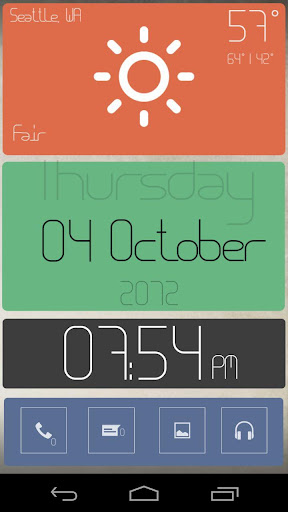
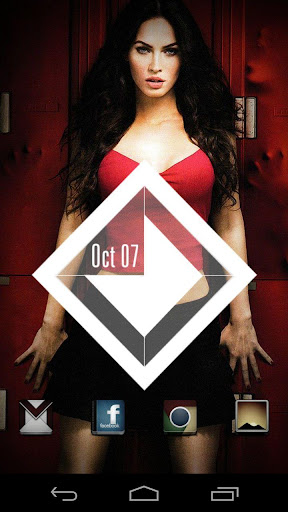
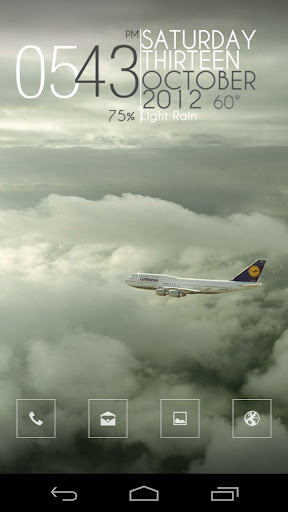
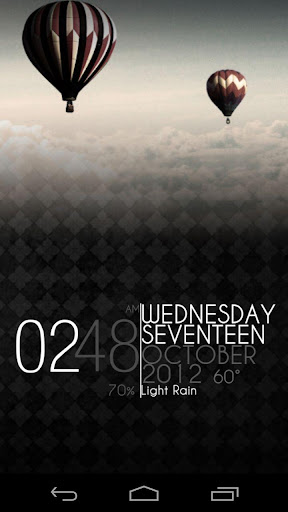
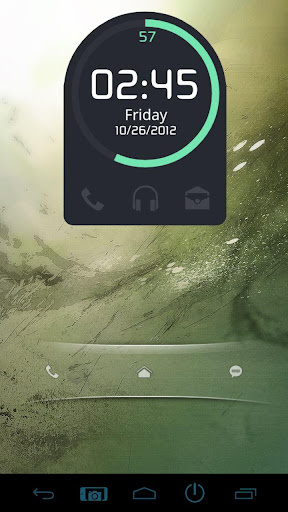
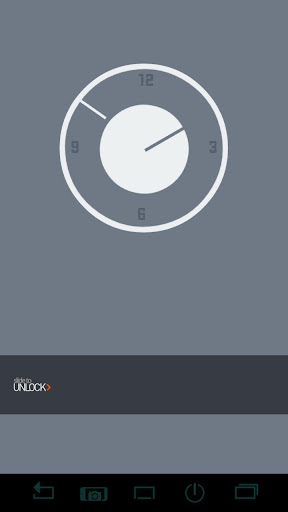
Designed this skin for my phone's lockscreen. It's got the following -
* A simple clock, with hotspot to launch alarm.
* Missed call count, which launches the dialler/call history on touch.
* Unread text msg count, which opens the messaging app on touch.
* And a taskbar of frequently used apps - Camera Gallery, Music, Chrome, GMail, Play Store.
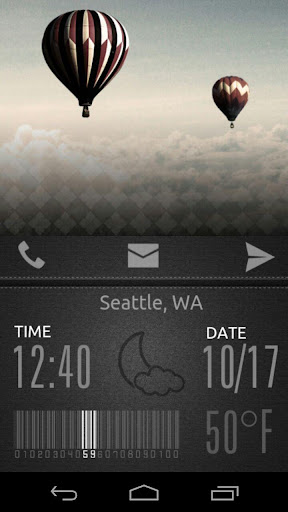
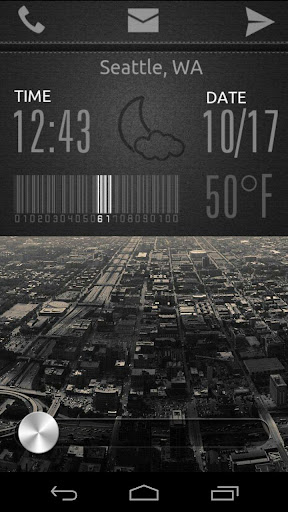
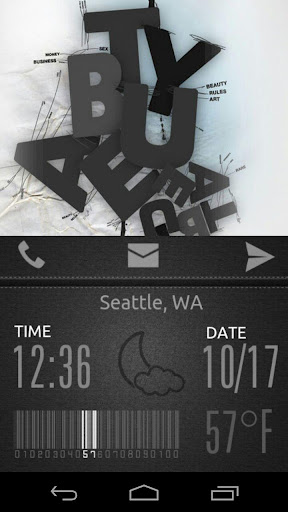

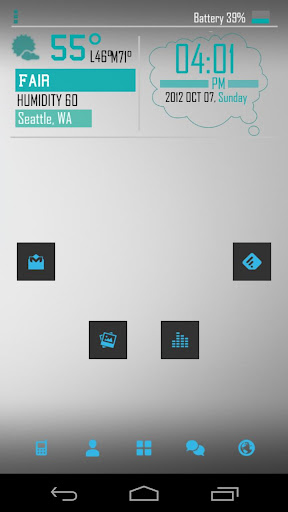
Designed this skin for my phone's lockscreen. This is my third Dashboard series of uccw skins. It's got the following -
* A simple clock, with hotspot to launch alarm.
* Current weather condition, showed by a cute icon. Hotspot for Go WeatherEX.
* Today's date, with hotspot to launch stock calendar app.
* Current temperature. Touch this area to update/refresh weather info.
* Current battery level showed via a cool barcode.
* Quick shortcuts for Dialler, GMail, Messaging.
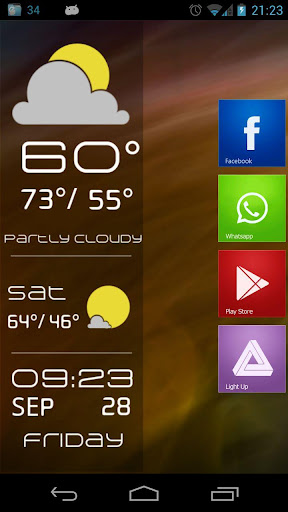
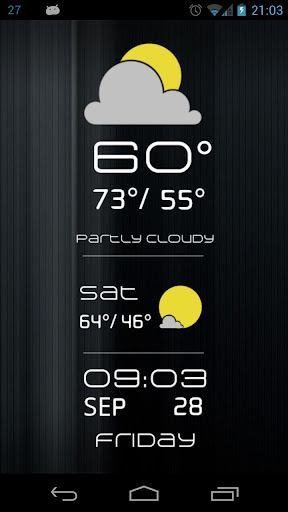
As you can see, this one's a vertical skin. Adjusts well on either side of the screen or smack dab in the middle.
If you like this one too, get it from Play Store -
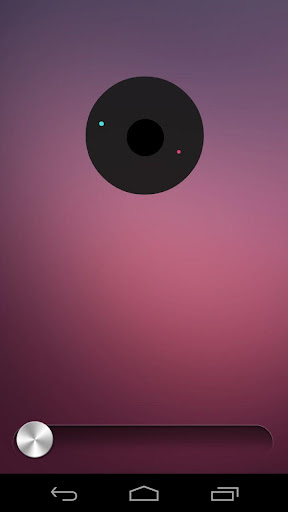
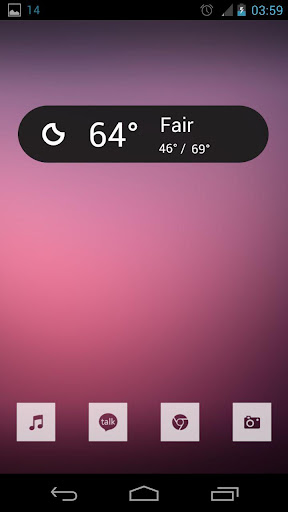
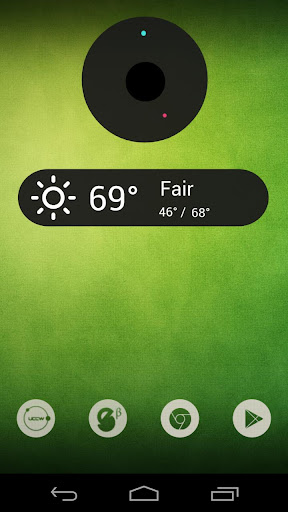
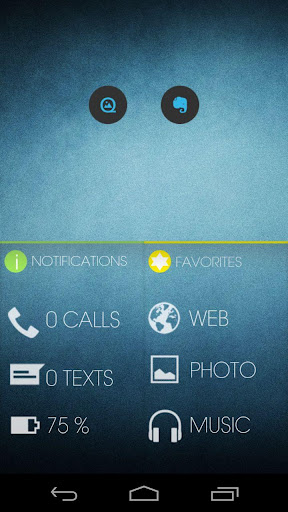
One of the most famous and most sought after theme setup. I take no credit whatsoever for this design. But the implementation is totally mine. Previously, setting up this look for your device used to take lot of expertise, time and effort. It required the special wallpaper with the circle and all the arrows built in. Needed transparent icons etc. But now, all you have to do is slap these two UCCW widget skins.
The look in the screenshots is made up of 2 skins.
"Gadget Bar UCCW Skin" - has time, date, battery
"Gadget Globe UCCW Skin" - has weather and hotspot triggers for calls, messages, music, gallery.
Basically you can download unlimited number of skins for the widgets and apply them to your homescreen or lockscreen. Endless number of screens are available in play store and if you want, you can create your own skins as well. Here I'll be sharing the skins I've made. Enjoy.
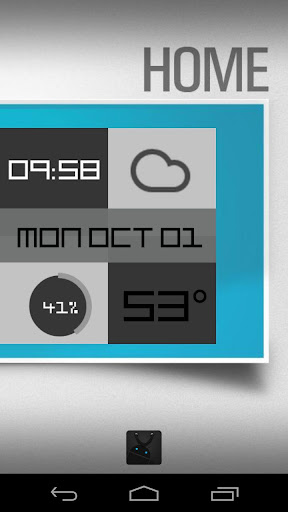
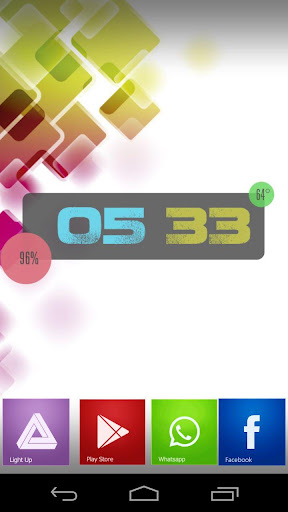
Blocks UCCW Skin
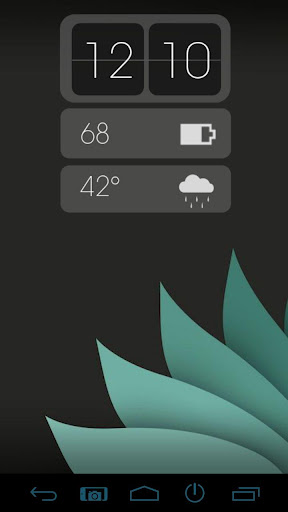
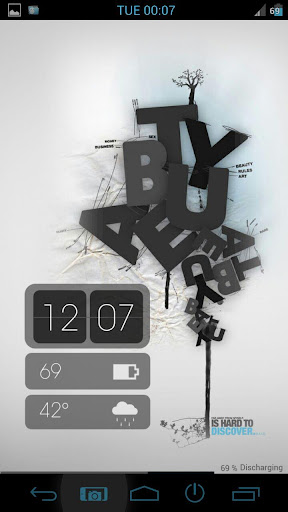
Updated my earlier V-Retro skin for UCCW 2.0 by fixing sort order etc and testing on JB devices using UCCW 2.1.2. And renaming it to "Blocks UCCW Skin".
Earlier it was a three skin setup. Now it's 2 skin. Battery bar is one skin and the rest in another. Working on merging everything in one skin. Till then, if you appreciate my efforts, get them from Play Store -
Downloads -


Google Play Store Link | Amazon App Store Link
OR BOX
================================================================================================
Google Play Store Link | Amazon App Store Link
OR BOX
================================================================================================
Dashboard
Good thing about this skin is you can stretch it to fill the width of the screen or keep it one or two notches short. Either way it looks good.
If you really like it, get it from Play Store -
Download
Google Play Store Link | Amazon App Store Link
OR BOX
================================================================================================
Google Play Store Link | Amazon App Store Link
OR BOX
================================================================================================
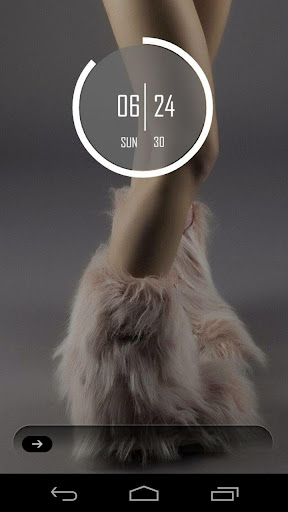
Dashboard-2 UCCW Skin
Designed this skin for my phone's lockscreen. It's got the following -
* A simple clock, with hotspot to launch alarm.
* Missed call count, which launches the dialler/call history on touch.
* Unread text msg count, which opens the messaging app on touch.
* And a taskbar of frequently used apps - Camera Gallery, Music, Chrome, GMail, Play Store.
Download
Google Play Store Link | Amazon App Store Link
OR BOX
================================================================================================
Google Play Store Link | Amazon App Store Link
OR BOX
================================================================================================
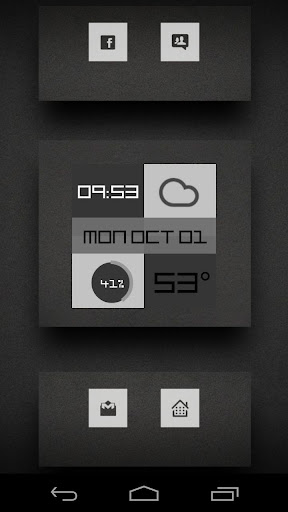
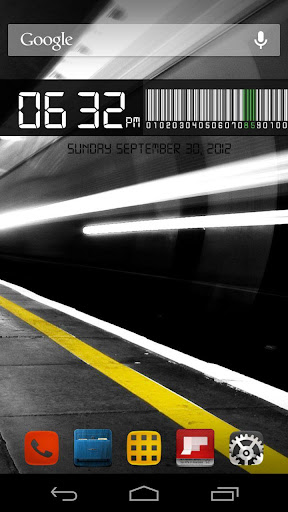
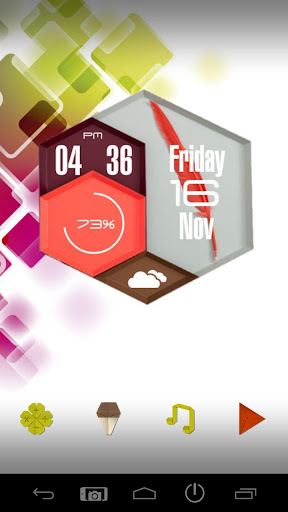
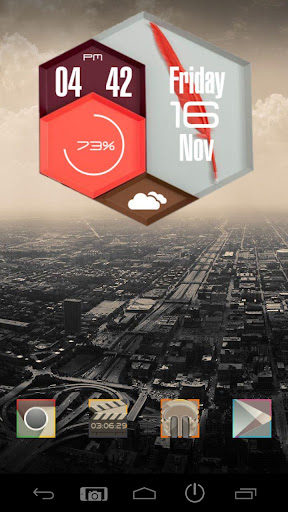
Dashboard3 UCCW Skin
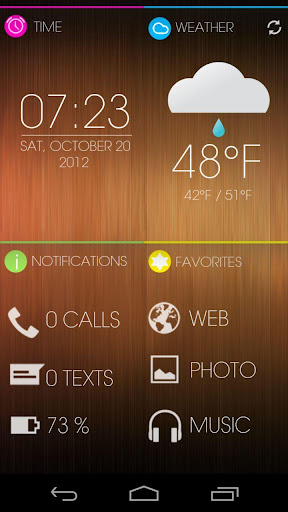
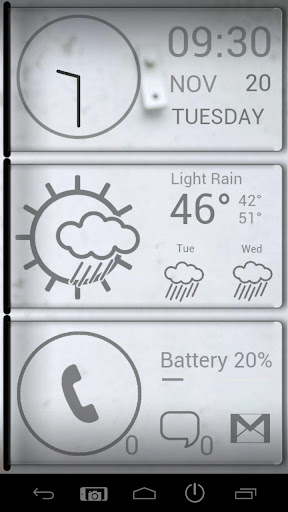
Designed this skin for my phone's lockscreen. This is my third Dashboard series of uccw skins. It's got the following -
* A simple clock, with hotspot to launch alarm.
* Current weather condition, showed by a cute icon. Hotspot for Go WeatherEX.
* Today's date, with hotspot to launch stock calendar app.
* Current temperature. Touch this area to update/refresh weather info.
* Current battery level showed via a cool barcode.
* Quick shortcuts for Dialler, GMail, Messaging.
Download
Google Play Store Link | Amazon App Store Link
OR BOX
================================================================================================
Google Play Store Link | Amazon App Store Link
OR BOX
================================================================================================
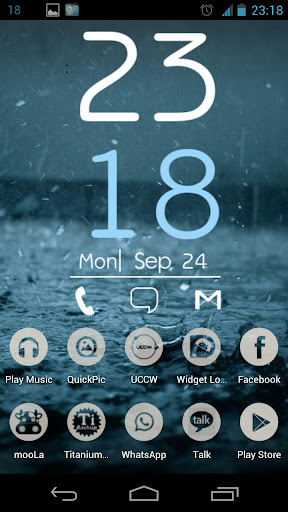
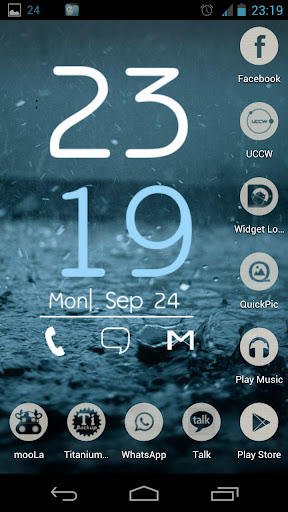
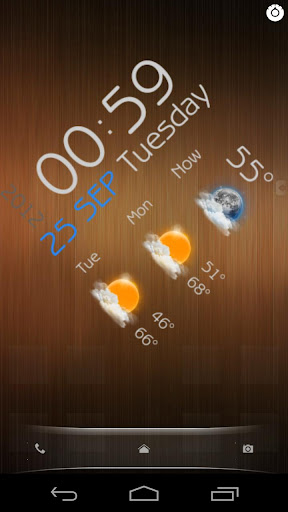
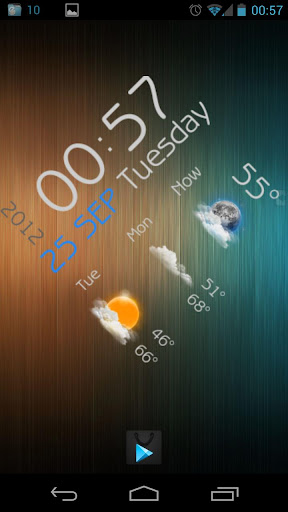
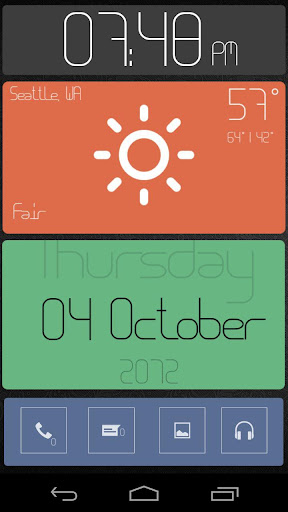
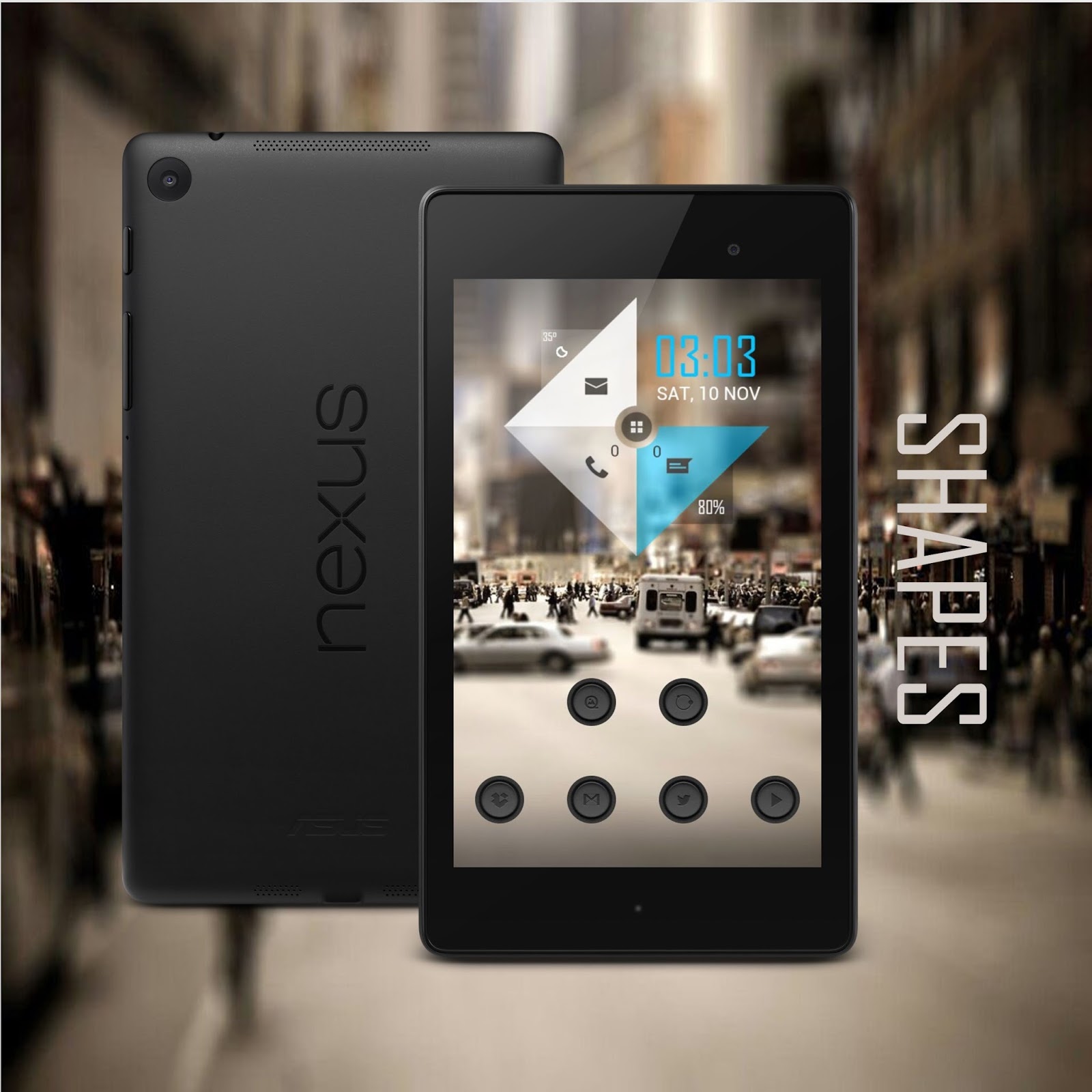
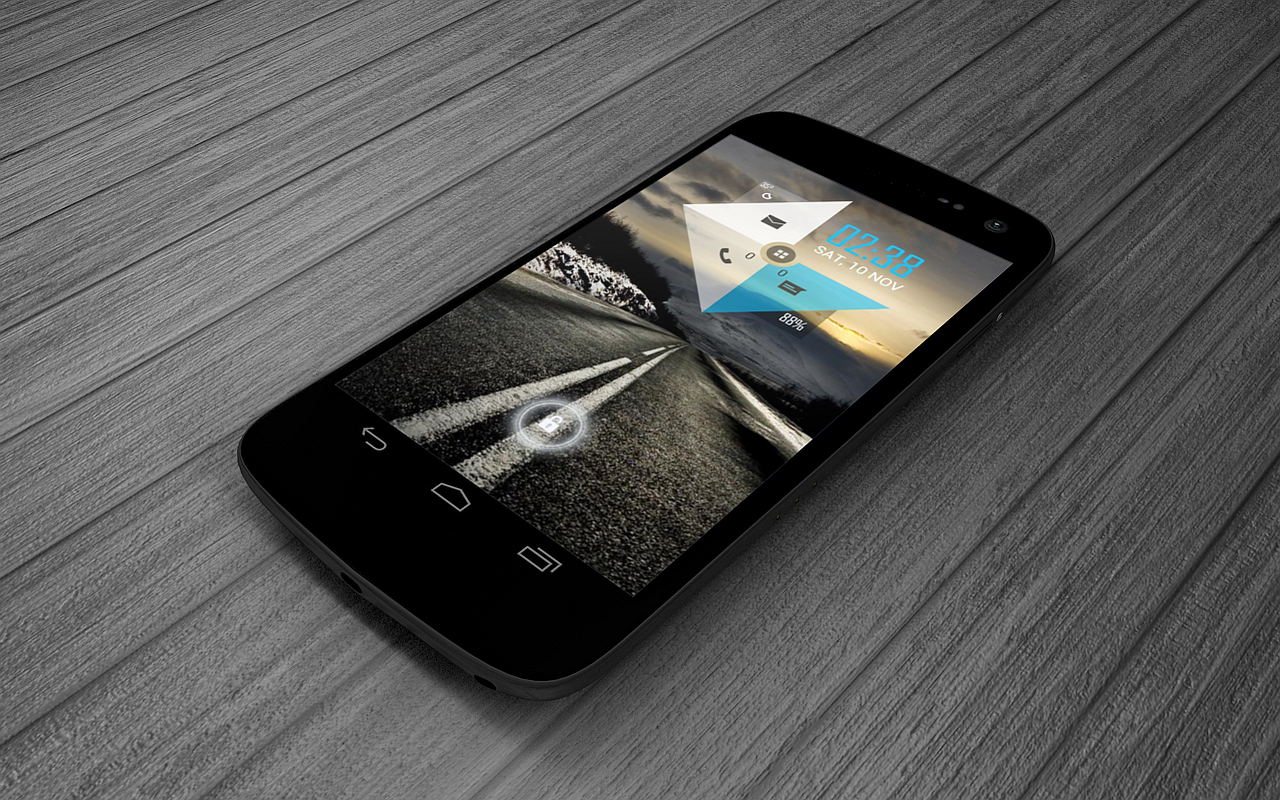
Now UCCW Skin
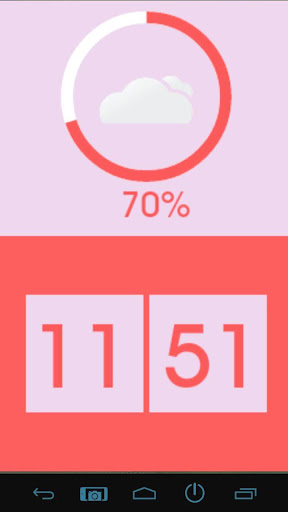
As you can see, this one's a vertical skin. Adjusts well on either side of the screen or smack dab in the middle.
If you like this one too, get it from Play Store -
Download
Google Play Store Link | Amazon App Store Link
OR BOX
================================================================================================
Gadget UCCW Skin
Google Play Store Link | Amazon App Store Link
OR BOX
================================================================================================
Gadget UCCW Skin
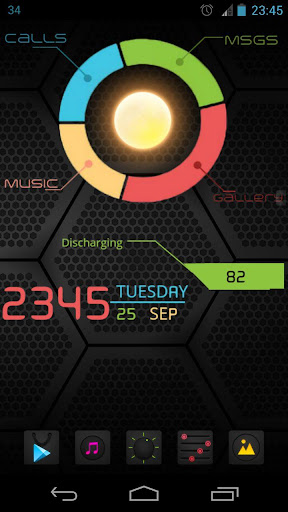
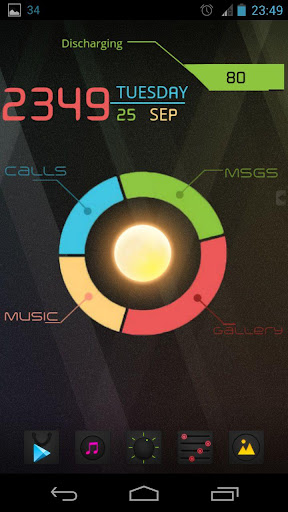
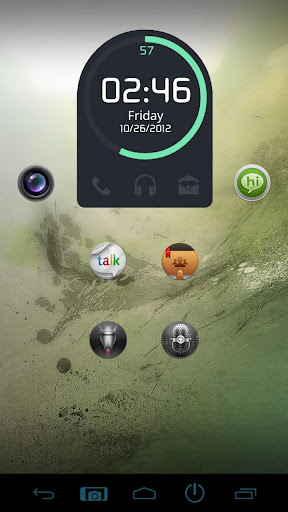
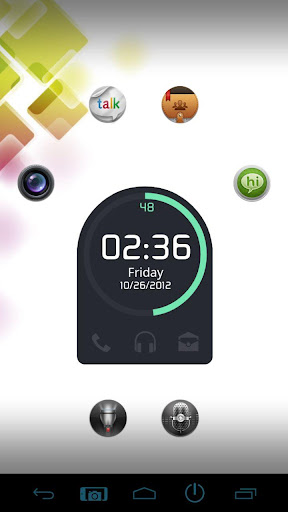
One of the most famous and most sought after theme setup. I take no credit whatsoever for this design. But the implementation is totally mine. Previously, setting up this look for your device used to take lot of expertise, time and effort. It required the special wallpaper with the circle and all the arrows built in. Needed transparent icons etc. But now, all you have to do is slap these two UCCW widget skins.
The look in the screenshots is made up of 2 skins.
"Gadget Bar UCCW Skin" - has time, date, battery
"Gadget Globe UCCW Skin" - has weather and hotspot triggers for calls, messages, music, gallery.
Last edited:











 Facebook
 Twitter
 Instagram