
- Oct 9, 2013
- 116
- 0
- 0
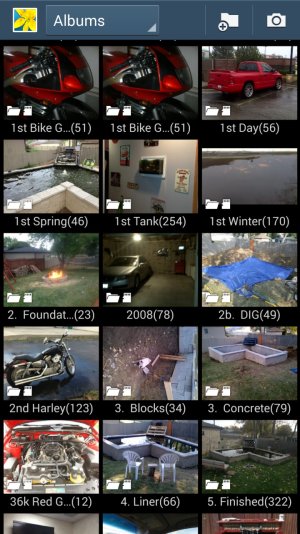
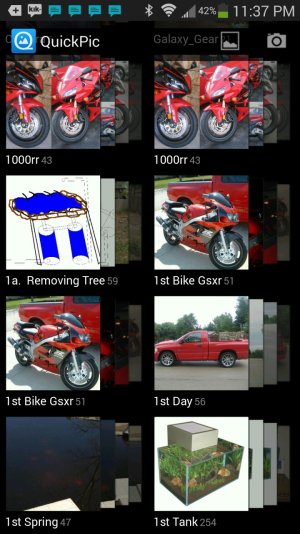
I have a lot of folders and sub folders yet each of my folders are pulled out of the folder it is in and they are alphabetized. Is there a way to remove that but not hide the sub folders?
Currently using Gallery or Quick Pic it alphabatizes the pictures and pulls all sub folders with 1 in it and make them TOP. I'd like to leave the Sub Folders in their Folders. How can that be done?
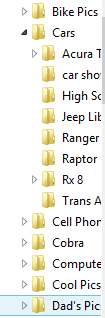
What I would like is the 3rd screen shot like I have on my Computer but on my phone.
example:
Shane's Pics
Bike Pics
Car Pics
Dog Pics
- Park
- Car
Fish Tank
Sports Pics
- Football
- Basketball
- Soccer
TV Stuff
Thank you,
Shane
Currently using Gallery or Quick Pic it alphabatizes the pictures and pulls all sub folders with 1 in it and make them TOP. I'd like to leave the Sub Folders in their Folders. How can that be done?
What I would like is the 3rd screen shot like I have on my Computer but on my phone.
example:
Shane's Pics
Bike Pics
Car Pics
Dog Pics
- Park
- Car
Fish Tank
Sports Pics
- Football
- Basketball
- Soccer
TV Stuff
Thank you,
Shane



 Facebook
 Twitter
 Instagram