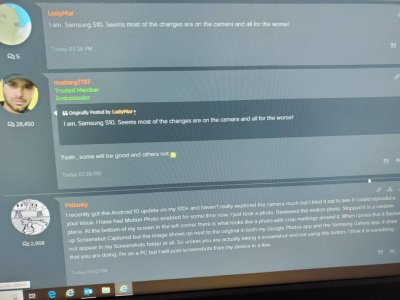
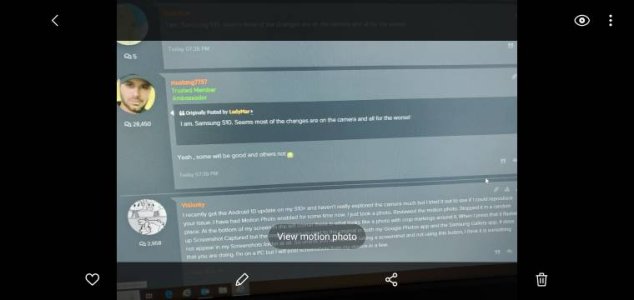
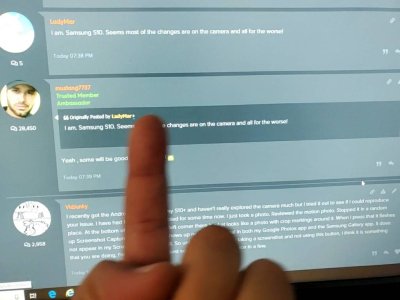
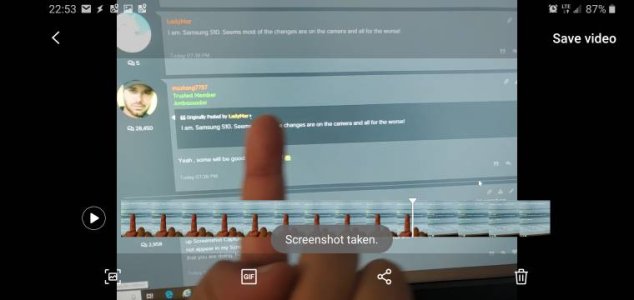
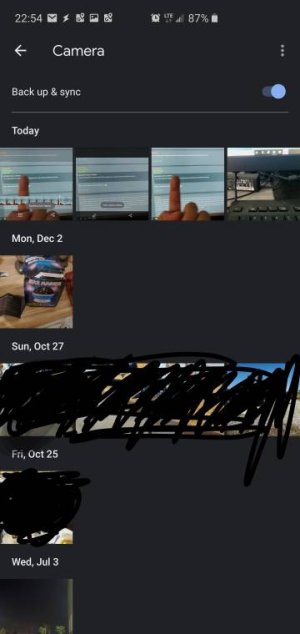
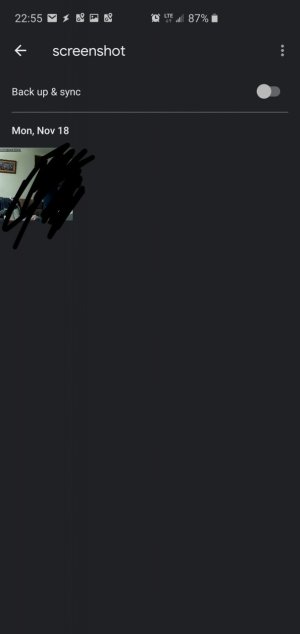
As of the December 2019 S10 update, I've noticed some camera changes. Has anyone else noticed that the capture option is now gone from the moving photos? i used to be able to pause the photo & just click "capture" and it would save right next to the original photo in the camera album. Now, I have to use a couple of extra steps to screenshot it and obv then it ends up in the screenshot album.

Capture Button
- Thread starter LadyMar
- Start date


Similar threads
- Question

- Question


- Question

Latest posts
-
Question Google Maps labeling Contacts addresses as Other instead of Home
- Latest: ricardoburnsy
-


Trending Posts
-
-

-

-

-
Ads in app drawer after updating to One UI 8.0!!
- Started by kindakooky
- Replies: 8

 Facebook
 Twitter
 Instagram