
Im going crazy trying to figure out why I cannot copy photos from my android to my PC. Im using a USB cable connection on both ends (I dont want to use Google images, I want to retain the original quality).
I have the USB settings set to transfer files (but transferring images does not help).
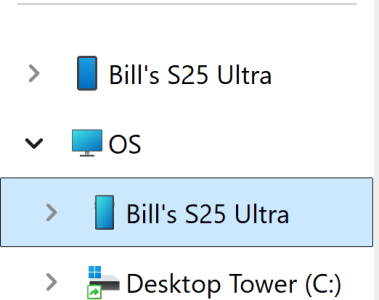
I can see the photos in Windows explorer but when I try to transfer to the PC the download window just hangs until it times out.
If I double click an image, the same thing happens.
Ive tried another cable, restarted the PC and the Phone (Samsung S25 Ultra) but still no luck.
Ive had androids for a very long time, this is the first time this has happened. Does anyone have any ideas why its not working?
I used another phone (Samsung S24 Ultra) and it works perfect, so Ive isolated it to some phone setting issue. I just cannot figure out what one.
Thanks
I have the USB settings set to transfer files (but transferring images does not help).
I can see the photos in Windows explorer but when I try to transfer to the PC the download window just hangs until it times out.
If I double click an image, the same thing happens.
Ive tried another cable, restarted the PC and the Phone (Samsung S25 Ultra) but still no luck.
Ive had androids for a very long time, this is the first time this has happened. Does anyone have any ideas why its not working?
I used another phone (Samsung S24 Ultra) and it works perfect, so Ive isolated it to some phone setting issue. I just cannot figure out what one.
Thanks




 Facebook
 Twitter
 Instagram