AOD and Lock Screen after a restart?

donb2010

Well-known member
Dec 10, 2010
143
11
18
I noticed that every time I restart my Note 10+ the AOD and Lock screen seems to reset itself. Only when I unlock and get into my home screen and after a few seconds everything seems to go back to how I have the AOD and Lock screen set up. Anyone else noticed this? how to fix?
 
I noticed that every time I restart my Note 10+ the AOD and Lock screen seems to reset itself. Only when I unlock and get into my home screen and after a few seconds everything seems to go back to how I have the AOD and Lock screen set up. Anyone else noticed this? how to fix?
I don't restart my phone often , do have a launcher or application that can change lock screen?
 
Are you sure it needs fixing? There are some features/info that are not available after restarting your phone until you unlock it for security reasons.
 
Are you sure it needs fixing? There are some features/info that are not available after restarting your phone until you unlock it for security reasons.

Not features/info, I'm referring to the set up I have for AOD (Clock Style) and Lock screen (Wallpaper).
 
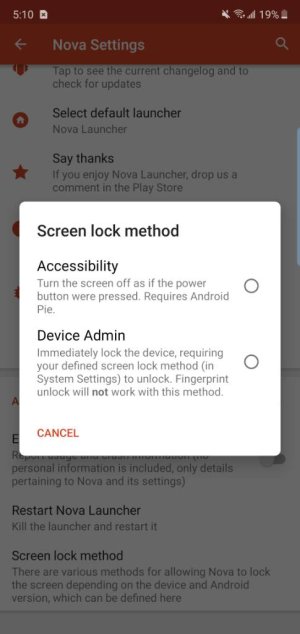
Nova Launcher won't run until after you unlock your phone after a restart.

I know, but I don't use Nova Launcher for AOD or Lock Screen. I have set a specific "Clock Style" for AOD and a specific wallpaper for Lock Screen, but as I mentioned they both seem to reset after I restart my phone and only after I unlock and get into my home screen does the AOD and Lock Screen revert to the "Clock Style" and wallpaper I set before restarting my phone. This was not an issue with my Note 9.
 

Latest posts

Trending Posts

Members online

Forum statistics

Threads
962,932
Messages
6,992,216
Members
3,164,945
Latest member
LilPandaBear1105