
Hi I installed the Bing Search app recently and have noticed that now, when I double tap to select text in any text field, in any app (e.g. the Amazon Music App) the little popup menu that shows "copy", "paste", etc. now shows "BING SEARCH" rather than "web search".
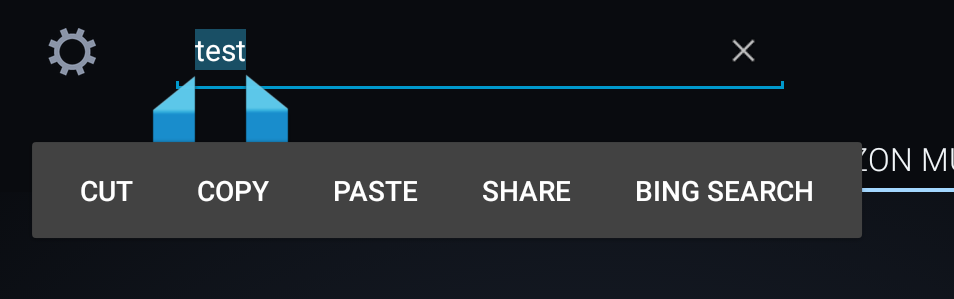
It used to use Google, now it's Bing. I've been so far unable to fine the setting to revert back to Google.
Can anyone help?
Thanks!
It used to use Google, now it's Bing. I've been so far unable to fine the setting to revert back to Google.
Can anyone help?
Thanks!



 Facebook
 Twitter
 Instagram