Camera app

Ron Copsetta

Well-known member
Jun 6, 2015
206
0
0
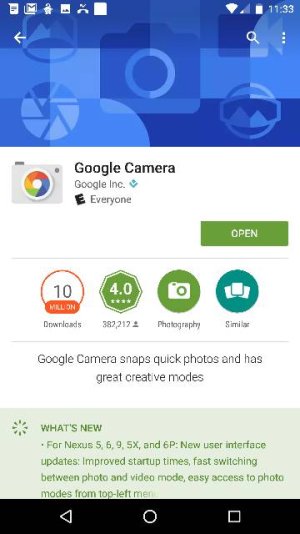
Can't seem to get Google camera app in play store to update to version 4.1, My Nexus 6p says it's on version 4.1 but I'm not able to pause while shooting video even though the icon to pause is there. When I go to play store the only option is to open app. I'm on the beta program. Any help would be appreciated.
 
Mine is up-to-date and everything. That's weird though. However I also don't see the Google camera app in the play store either.
 
It's not in the play store, unless u go to your apps, I wanna say I always remembered it in play store before.
 
Any help would be appreciated.
You could try going to Settings -> Apps -> Camera -> Storage and clearing both the cache and data. Then go back one and Force Stop the app for good measure.

Then fire up the camera and see if the Pause control works correctly.
 
I just tried all that, including system cache and nothing, I'm gonna try and get out of the beta when I get home and reinstall nougat it it's there and see if that works.
 
How about booting into Safe mode and checking the behavior? That way you'll be sure some 3rd party app isn't causing a problem.
 
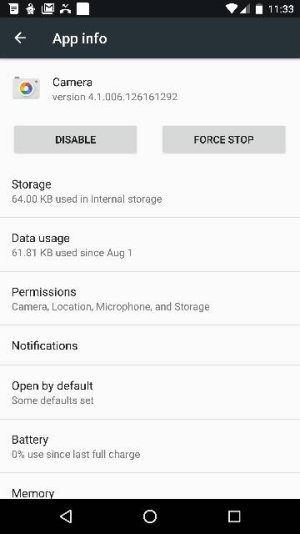
Still can't get camera app updated in play store, when I open apps in settings it has my camera at 4.1, my main issue for stressing out about this is I'm not able to use the pause icon when taking videos and it's driving me crazy that I cant figure this out. I've tried everything I can think of and everything suggested thus far.
 
I'm still using the OE camera app on 7.0 Nugent and I can pause video. Have you tried rebooting your phone?
 
I'm on the beta program.
You still haven't received the release build of Android 7.0 (NRD90M)? That's the first thing I'd pursue.

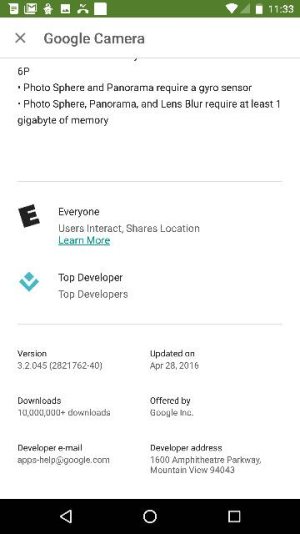
Also, did you check post #5 and compare the Camera app version to what's listed? 4.1 isn't enough digits.

Finally, that can't be updated through the Google Play Store - it's not even listed independently.
 
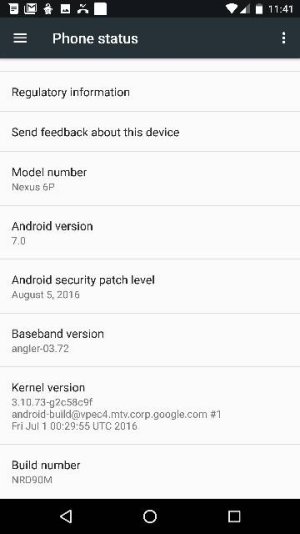
This better so my point is understood, I'm on final Android N build, I even unenrolled from the beta, I've rebooted my phone, I've cleared every cache u can think of. No matter what I do I'm still not able to use the pause button in video.
 

Attachments

  • 11893.jpg
    11893.jpg
    20.9 KB · Views: 54
ummm, the version you have installed on your phone, is the latest version available.

what the play store says is irrelevant as it is the version for all android phones that support it, the version that came with Nougat is the most current.

what exactly happens when you use the camera and try to pause video?

you do realize that when you press the pause button, it merely stops recording, the view on your phone is still live.
 
Playstore
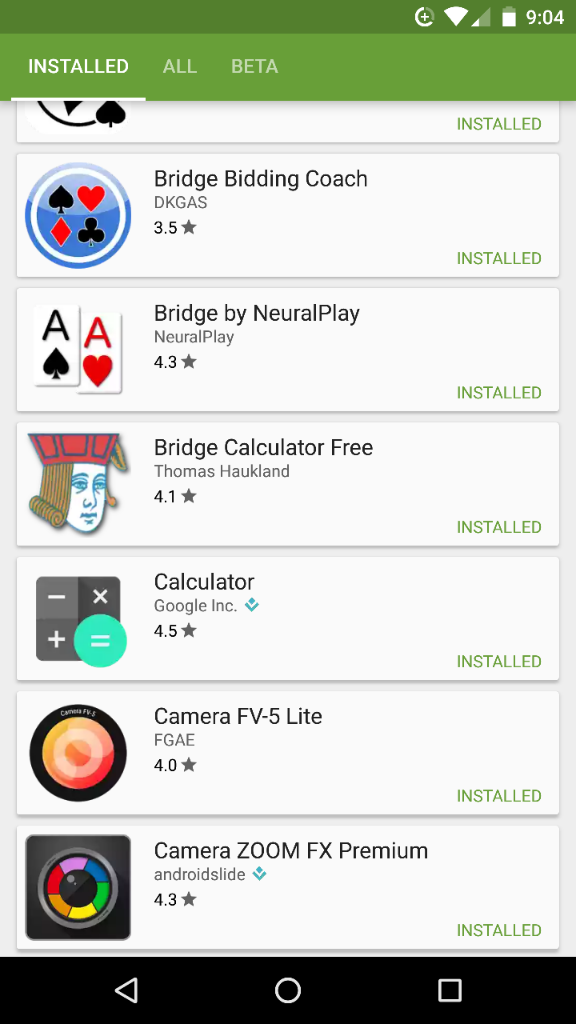
Figures - who would have thought that an installed app WOULDN'T show up in the Google Play Store under the INSTALLED tab
d402e61b1c6def6576b28d98d9956897.jpg
No, instead I have to search for it under the ALL tab.

My bad - you were correct.
 
This better so my point is understood, I'm on final Android N build
Your screenshot shows that you have the correct version of the Camera app for the 7.0 final build - there's nothing to update to.

Sounds like you need to perform a Factory Reset or load the final 6.0.1 firmware. I don't know what else the problem could be (except for some weird hardware issue).
 

Members online

Forum statistics

Threads
960,259
Messages
6,981,631
Members
3,164,449
Latest member
akadar6