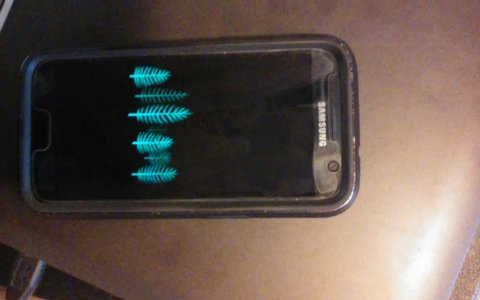
You have the Always On Display active with an image instead of a clock or calendar. You can either turn it off on the quick settings from the notification bar, or go to Settings, Display, Always On Display. You can also customize it, should you want to keep it on, by going to the latter setting or long pressing on the quick setting button.



 Samsung could make things interesting with roll out phone


 Facebook
 Twitter
 Instagram