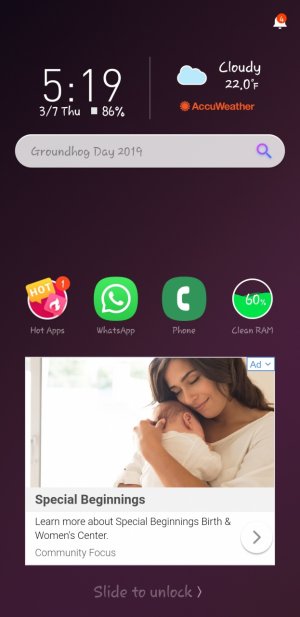
Check the notification icon on top, it should tell you which app it is coming from (and yes, this is from an app, not your phone's system). There might even be a settings or preferences option in that icon too to turn it off. These lockscreen replacements often come as a very shady part of apps like File Managers and Battery Savers, so check for those options. Most times it is described as a 'power saving' or 'power management' option in their Settings. When these apps update, sometimes they might revert the setting back to active (again, shady).




 Origami Ascent - A beautiful papercraft endless jumper where the platforms fold and shatter!
 Facebook
 Twitter
 Instagram