How can I change the width of my keyboard on my S7?

  • Thread starter Thread starter AC Question
  • Start date Start date
A

AC Question

How can I make the width of my keyboard a little smaller? I am coming over from the iPhone and the size is quite different.
 
on the samsung keyboard on the left of the space bar should be a gear icon, tap it and scroll down to the category "customization" and you should see keyboard size. tap it and you should be able to change the width and height of the keyboard. hope that helps.

Posted via the Android Central App
 
When I go to the screen with the option for keyboard size, it is grayed out. Unable to fix the size of the keyboard. Galaxy S7 Active.

Suggestions??
 
How can I make the width of my keyboard a little smaller? I am coming over from the iPhone and the size is quite different.

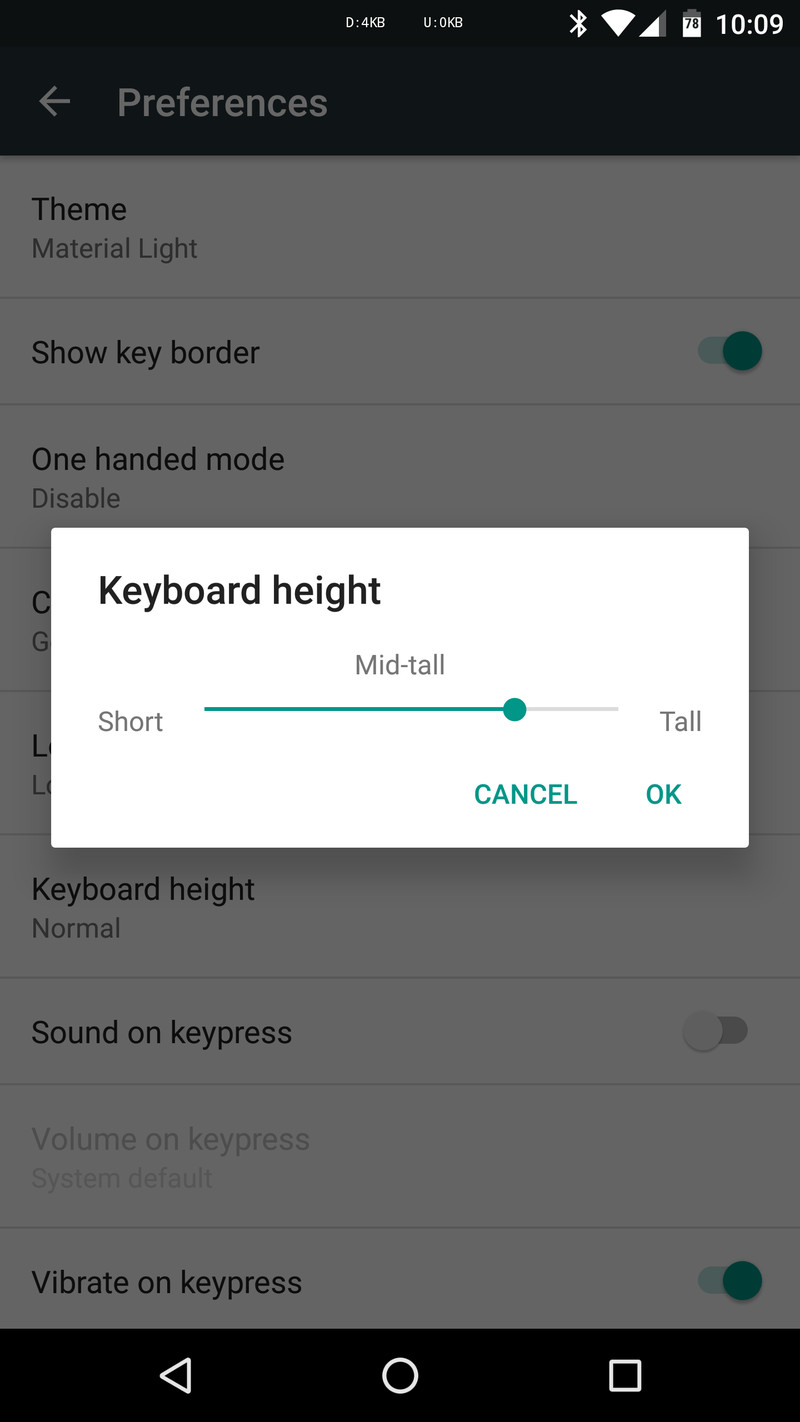
Get Google Keyboard. I've been using it and have been pleasantly impressed. Here's a good read to get you up to speed.
Google Keyboard for Android now has a one-handed mode | The Verge

kbheight.0.png
 
Or try SwiftKey, it's a great keyboard with lots of customizations

Posted via the Android Central App
 

Trending Posts

Forum statistics

Threads
959,772
Messages
6,980,146
Members
3,164,300
Latest member
Gremlin69