How do I connect media button to android without passkey?

  • Thread starter Thread starter Android Central Question
  • Start date Start date
A

Android Central Question

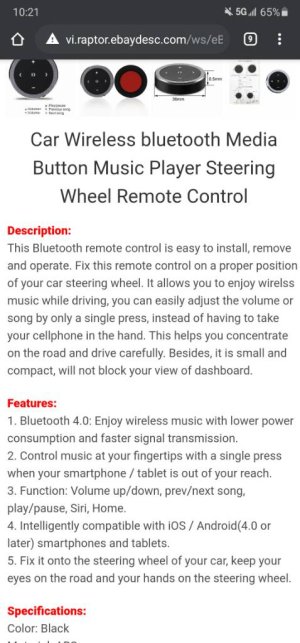
I recently bought a media button (has 5 buttons on it) to connect to my android head unit. However, I am unable to connect it to the head unit as it keeps timing out and says “Couldn’t pair because of an incorrect PIN or passkey”. It connects fine with my phone without a need to enter any key. Is there anyway to get round this?
 
No I can't as it's literally only 5 buttons. I've set the head unit key to 0000 incase it can connect automatically but I'm unable to remove the passkey altogether.
 
Worth a try , and you trying to connect to the bluetooth of the head unit correct?

Yeah I am, and I just managed to change a setting of the head unit to allow for “auto pair” instead of “Password Pair”. This got me passed the incorrect key stage but now its just stuck on “connecting”.
 
The passkey you're being asked for is the media button passkey. Try none, or 0000 on the head unit. If not, you'll have to ask the seller or the manufacturer (sellers usually don't know these things - many don't even know what a passkey is).