

- Mar 18, 2015
- 4
- 0
- 0
Hi, I am using Galaxy S5 with android 4.4.2
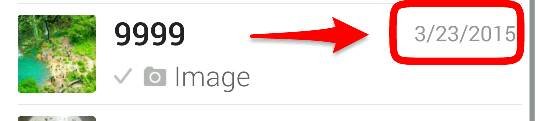
So my WhatsApp seems to be set on MM/DD/YYYY and I can't figure out how to change it to DD/MM/YYYY and it's bugging out of me. I tried googling this problem and it just comes up with unrelated problems.
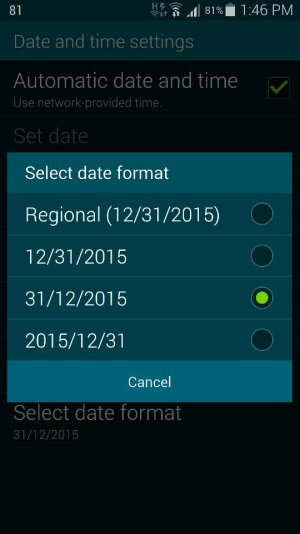
I've tried uninstalling and reinstalling, changing the date format on my phone around, turn off automatic date and time, turning it back on, restarting the phone etc.
Can anyone help me?
Posted via the Android Central App
So my WhatsApp seems to be set on MM/DD/YYYY and I can't figure out how to change it to DD/MM/YYYY and it's bugging out of me. I tried googling this problem and it just comes up with unrelated problems.
I've tried uninstalling and reinstalling, changing the date format on my phone around, turn off automatic date and time, turning it back on, restarting the phone etc.
Can anyone help me?
Posted via the Android Central App



 Facebook
 Twitter
 Instagram