Keys Cafe

sweetypie31

Well-known member
Dec 18, 2011
4,663
574
113
Have you guys downloaded and played with Keys Cafe yet ? If you have , is there a way that you can delete a styled keyboard that you've created? I've tried holding down the keyboard to see if the delete option shows up, but it doesn't. Screenshot_20201016-082758_Keys%20Cafe.jpeg
 
you have to do it on the screen that shows the "simplified" icons of the keyboards. Then, you can get the little delete icon on the top right of screen grab..
4dade7f93ee4d1a8531d29299967d049.jpg
 
you have to do it on the screen that shows the "simplified" icons of the keyboards. Then, you can get the little delete icon on the top right of screen grab..
4dade7f93ee4d1a8531d29299967d049.jpg
But on that screen it won't delete the styled keyboard. Ty though.
 
It must be a bug . I can't even switch back and forward between the keyboard styles I've created. I guess I'll wait for an update to fix. Lol
 
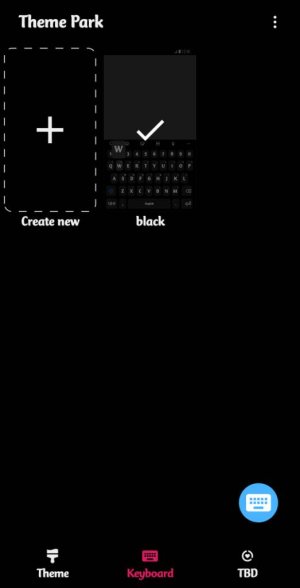
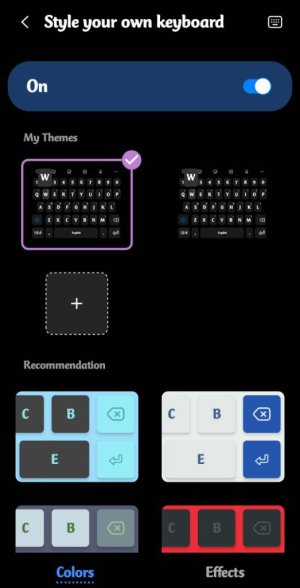
I figured it out. You have to go into the theme park app to delete the styled keyboard. Screenshot_20201016-233847_Theme%20Park.jpeg
 
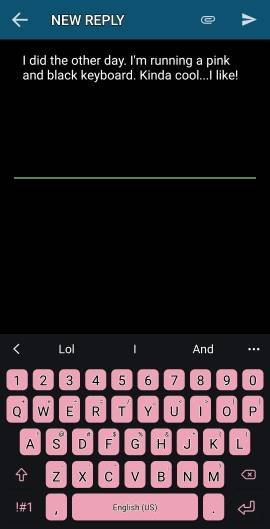
I did the other day. I'm running a pink and black keyboard. Kinda cool...I like! :-)
 

Attachments

  • 434.jpg
    434.jpg
    17.2 KB · Views: 43
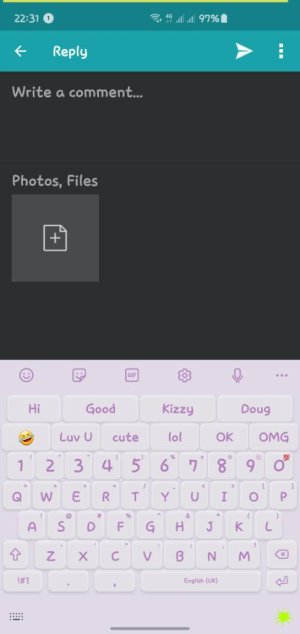
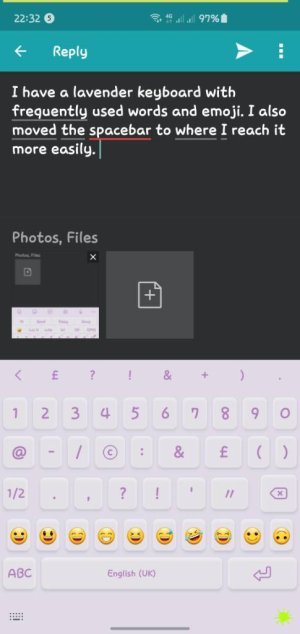
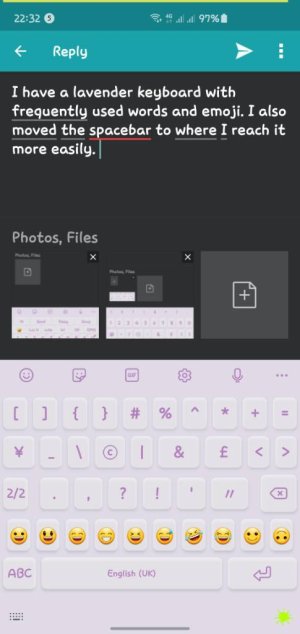
I have a lavender keyboard with frequently used words and emoji. I also moved the spacebar to where I reach it more easily. I also customised the symbols keyboard to my taste.Screenshot_20201024-223113.jpegScreenshot_20201024-223234.jpegScreenshot_20201024-223256.jpeg
 
I like how you moved the spacebar around. May have to do that myself. My pink and black keyboard has been actually better on my eyes than what I first thought. Love this app...
 

Trending Posts

Forum statistics

Threads
962,711
Messages
6,991,506
Members
3,164,905
Latest member
Jon OapostraphyBrien