It was installed via Google Play, no it doesn't take me to a browser. But then again I don't tap on it, I tap in an area it doesn't block (drew a blank on the word I wanted to use, hopefully the substitute word works or at least gives you an idea of which word I was looking for).
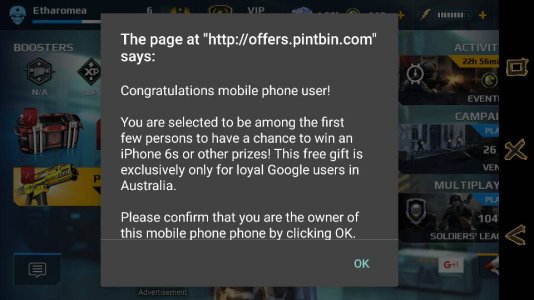
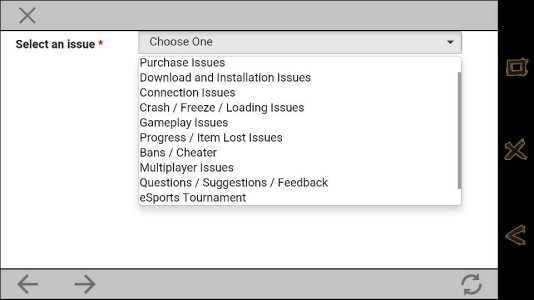
I did also have multiple screenshots attached to this when I typed it up, however after posting it only one screenshot decided to display itself. (hopefully the one gives a rough idea as to what I see) Also I did contact the customer service/support team, however the way they have it set up there wasn't an appropriate category to file it under. (Unless it does come under one of them, so I probably filed it under the wrong category.)






 Facebook
 Twitter
 Instagram