Question note8 keyboard looks like upload never normal

annamagnani

Well-known member
Apr 5, 2023
80
10
8
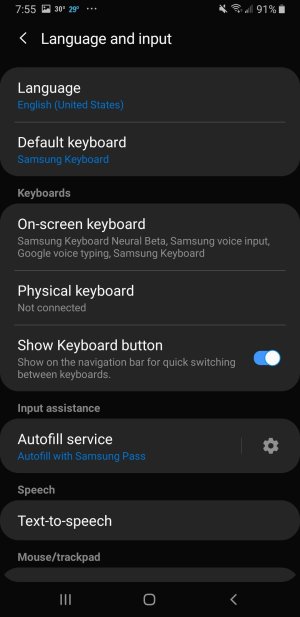
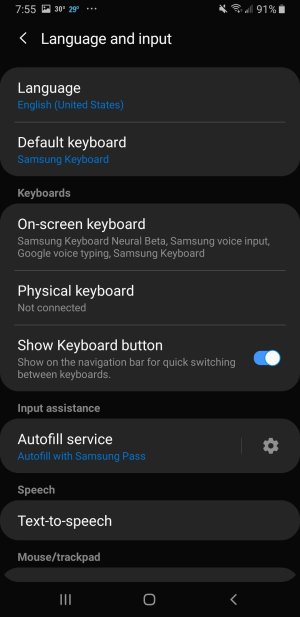
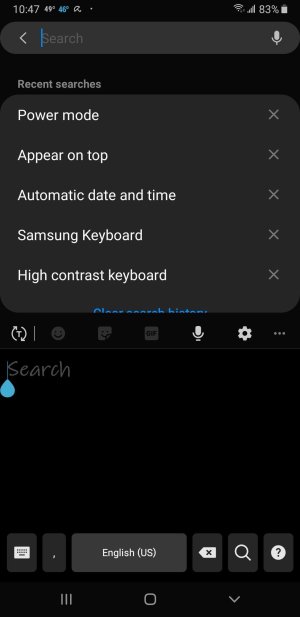
Note 8 samsung keyboard all of a sudden started showing up in odd configurations never with alphabetical layout I didn't touch the settings and the restore to default is "grayed:" out how to fix dthis it will flip over to alphabet if i hit the keyboard icon in lower left but i have to do it every single time, the attached file is one way it appears if you scroll to bottom of the image I already cleared cache and went to device manageent i find nothing there to try to fix this just out of the blue it happened unless i inadverntly hit something to cause this thanks
 

Attachments

  • note8samsungkeyboard.jpg
    note8samsungkeyboard.jpg
    86.1 KB · Views: 3
It looks like you turned on handwriting mode. Try tapping that T with two arrows around it to toggle back to the regular keyboard.
 
It looks like you turned on handwriting mode. Try tapping that T with two arrows around it to toggle back to the regular keyboard.th

No that doest help and what i thiought was a solution wasnt. I can only get normal keyboard by clicking on keyboard icon and im not getting emails from the forum that i had a reply.other ideas?
 
Ok, I got this from Google's AI search:

"To turn off the handwriting keyboard on your Samsung Galaxy Note 8, navigate to Settings > General management > Language and input > On-screen keyboard > Samsung keyboard > Keyboard mode, and select "Standard keyboard". Alternatively, disable the S Pen handwriting feature in Settings > Advanced features > S Pen > S Pen to text. [1, 2, 3, 4]


Steps to Disable Handwriting (Samsung Keyboard):
  1. Open Settings and tap on General management.
  2. Select Samsung keyboard settings.
  3. Tap on Handwriting.
  4. Toggle off Pen detection to stop the keyboard from switching to handwriting mode when the S Pen is near.
  5. Optional: Change the keyboard mode back to Standard keyboard. [1, 3, 5]
Steps to Disable Handwriting (Gboard):
  1. Open the keyboard and tap the Settings Gear icon.
  2. Go to Languages.
  3. Select your language (e.g., English).
  4. Uncheck Handwriting. [6]
If you are using Gboard, you can also check for a "Stylus Handwriting" option in your phone's Developer Options. [7]


AI responses may include mistakes.
[1]
[2] [3] https://www.samsung.com/us/support/answer/ANS10001592/
[4] https://eu.community.samsung.com/t5.../problem-with-s-pen-and-keyboard/td-p/6563073
[5]
[6] https://forum.earlybird.club/threads/gboard-how-to-disable-the-handwriting-option.1351118/
[7] https://eu.community.samsung.com/t5/galaxy-s23-series/turn-off-handwriting-to-text/td-p/8935058"

Does that help?
 

Trending Posts

Forum statistics

Threads
961,415
Messages
6,986,313
Members
3,164,706
Latest member
mathewsjamie138