Another tip to share
if you dont have auto rotate on and tilt the device a little I con pops up on lower right corner tap it and it rotates your screen then tap again to bring it back up
Does anyone know how to remove the icons at the bottom in the recent apps screen? I saw someone gave a solution in one of these thread, but I can't find it.
Does anyone know how to remove the icons at the bottom in the recent apps screen? I saw someone gave a solution in one of these thread, but I can't find it.
The OP posted about it in this post - you go to the recent apps and click on the three dots at the top left corner and click on settings and toggle off the recommended apps
Does anyone know how to remove the icons at the bottom in the recent apps screen? I saw someone gave a solution in one of these thread, but I can't find it.
The OP posted about it in this post - you go to the recent apps and click on the three dots at the top left corner and click on settings and toggle off the recommended apps


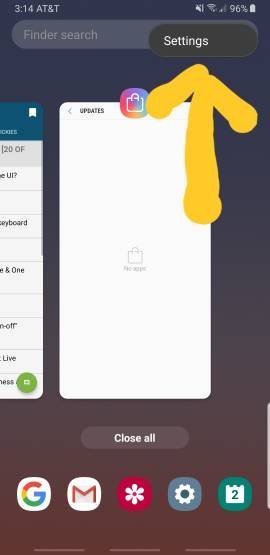
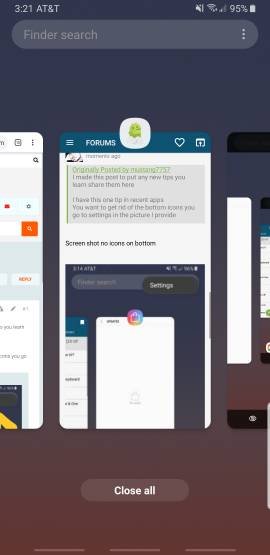


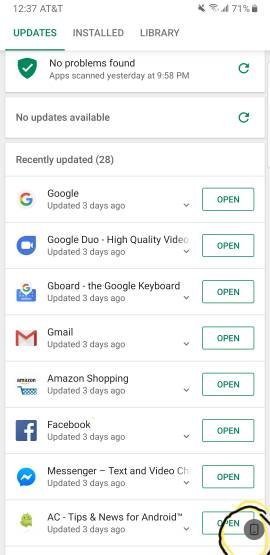


 see above ^^



 Facebook
 Twitter
 Instagram