
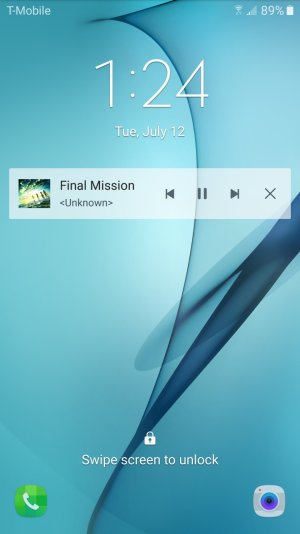
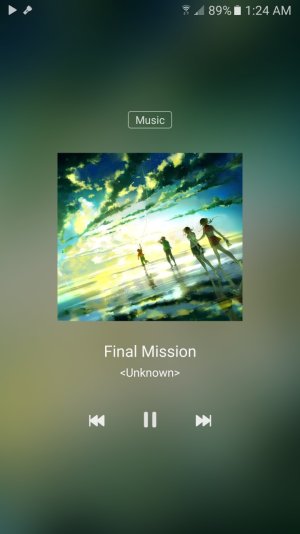
When I got the phone, the music player used to just be a small rectangular box on the lock screen (like a widget). But now somehow everytime I turn my phone on while music is playing, the album art takes up the whole screen. And honestly, I don't like it and it slows down how fast I can unlock my screen.
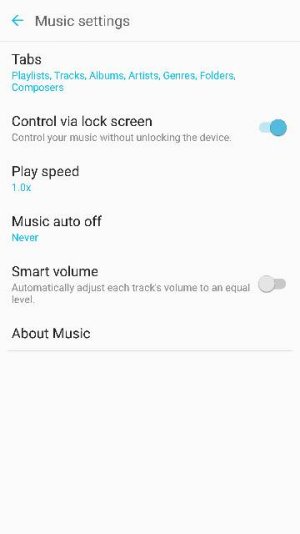
I attached two pictures with the differences below. Now, how do I get the music player to go back into widget form? I liked it a lot better. I checked the lock screen and security settings and nothing seemed to be changed. I'm not sure but does anyone know if this was a software update? And if not, any ideas on how to change it back?
I attached two pictures with the differences below. Now, how do I get the music player to go back into widget form? I liked it a lot better. I checked the lock screen and security settings and nothing seemed to be changed. I'm not sure but does anyone know if this was a software update? And if not, any ideas on how to change it back?





 Facebook
 Twitter
 Instagram