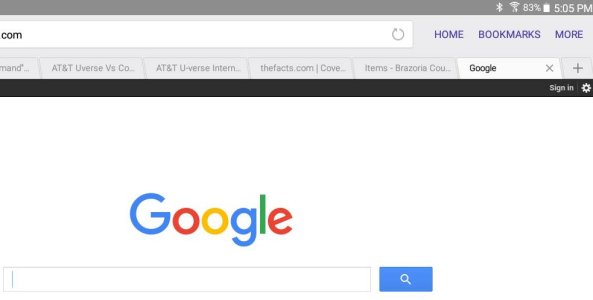
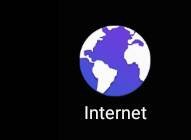
Is the native browser Chrome or the "Internet" browser from Samsung? When you say "tabs," are you talking about browser tabs, buttons, or menu options?
One thing I did just did when the three buttons disappeared was click on the address bar trying to
get them back and my "Quick Access" page came up and I clicked on one of the links and the page
opened and the three buttons were back. Not a fix but better than rebooting. Now if I can duplicate
the disapearence I can see if that was a fluke or not.
Sorry about that. The reason why I'm asking is that I saw a Verizon help page for the Tab 4 that discussed using Chrome, and some Samsung devices come with Chrome as the only default browser.
Have you tried going to the App Manager, selecting Internet, and Clearing Cache?
Does anything happen if you long-press the URL box when it expands to take up the whole space? Just wondering if it might allow you to minimize/maximize.
It might be worth Clearing Data from the Internet browser as well in the App Manager. This will erase your bookmarks, though, so make sure you back them up beforehand.
Sorry, but I wish I had a device with that version of the Samsung browser to test out myself.