
- Mar 22, 2020
- 26
- 0
- 1
I am suddenly getting "drop shadows" appearing on some parts of my tablet's screen. It only seems to appear in some "tabs" or "headers/search boxes" (See photos attached). I uninstalled the previous 3 apps I had installed in case it was one of those but it's made no difference. I am running OS Android 6
I have looked at all obvious places in Settings, ie Display / Language & Input. I even checked my Keyboard settings as the keyboard layout now shows heavy characters with a sort of shadow.
So, wise people, any suggestions?
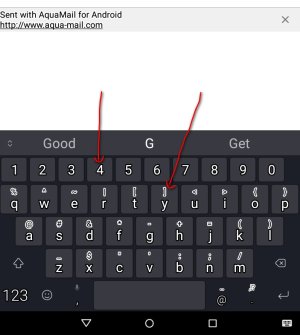
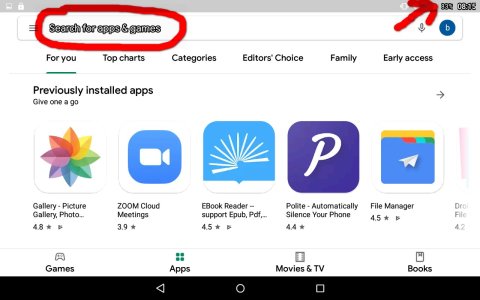
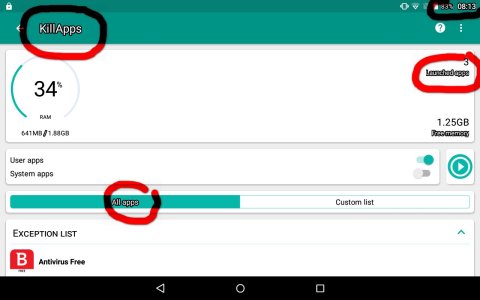
I have looked at all obvious places in Settings, ie Display / Language & Input. I even checked my Keyboard settings as the keyboard layout now shows heavy characters with a sort of shadow.
So, wise people, any suggestions?
Last edited:




 Facebook
 Twitter
 Instagram