VPN connects fine on 4G but will not connect on Wifi on my Galaxy S10+ phone

  • Thread starter Thread starter Android Central Question
  • Start date Start date
A

Android Central Question

I am able to connect a VPN on my Samsung Galaxy S10 plus phone when I am connected to 4G, however no matter what I do, the same VPN (and others) will not connect on any WiFi connection. To test this, I have a second android phone (Huawei) and tried connecting the VPN from that phone on WiFi and it connects fine- on the same WiFi connection. I have tried everything. Even the VPN support team could not solve my problem, so now I am stumped. Is it possible there is something blocking the connection from the Samsung phone? I tried turning off various security settings, but nothing has worked. Any suggestions would be appreciated.
 
Welcome to Android Central! Does this happen on any wi-fi network, or only a certain one?
 
I have subscribed now. The VPN is Xvpn, but I have tried others with similar results. Yes it happens on all Wi-Fi networks. I would not be concerned if my second phone didn't connect, but the vpn connected easily on my other phone so that's why I'm wondering if there is something in the galaxy phone, perhaps some setting, that I need to change.
 
Last edited:
I cleared cache from two browsers and the vpn app, but still it won't connect on Wi-Fi at all.
What are your choices when you select the attached?
1c2b538038dc931b0aa433bac1d72df3.jpg
 
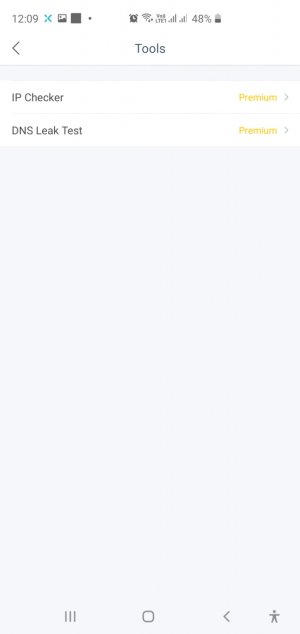
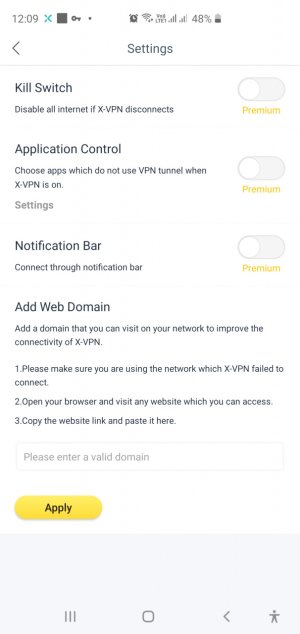
I don't use these settings...I simply open the vpn application and it starts. The settings are all in the vpn app, and they work fine on 4G.
 
Wherever you think you're VPN settings are, simply check them. Confirm that you are signed into the correct account and check browser compatibility. Are you using 2.4 or 5g with your test phone and Samsung?
 
The VPN settings are within the app, as you can see in the screenshots. There is no reference to browser compatibility. By test phone, do you mean my Huawei phone? On this phone, the same vpn connects to the same Wi-Fi network, whereas this vpn in the Samsung phone will not connect- same vpn app and same Wi-Fi connection. This is why I'm wondering if there's some sort of setting or security feature that might be blocking the app from connecting in the Samsung phone. It actually did connect fine a few weeks ago on Wi-Fi, so I'm really lost for answers.
 

Attachments

  • Screenshot_20200218-000917_X-VPN.jpg
    Screenshot_20200218-000917_X-VPN.jpg
    64.9 KB · Views: 12
  • Screenshot_20200218-000908_X-VPN.jpg
    Screenshot_20200218-000908_X-VPN.jpg
    145.6 KB · Views: 11
Is your Wi-Fi auto connecting to 5g on in Settings, Connections?
Yes, Im referring to the Huawei.
 
On the huawei phone the Wi-Fi connection is 2.4g, but I cannot findt his in the Samsung phone connection settings. How do i find if it is 2.4 or 5 in the Samsung phone?
 
Open Settings, Connections, and see what you're router is putting out. Turn off autoconnect for the 5g. Tap and connect to the 2.4 offer.
 
Excuse my lack of knowledge in this area, but where exactly can I find this in the connection settings? There is nothing like this in connection settings. When I click on the router, it asks for administration password, which I don't have as this is set up by the building IT technicians. In the Huawei phone it actually shows 2.4g in the connection settings, but nothing shows in the Samsung.
 
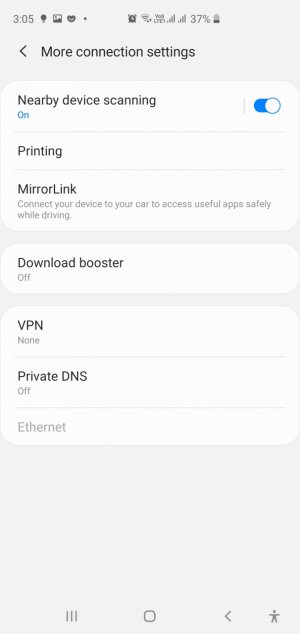
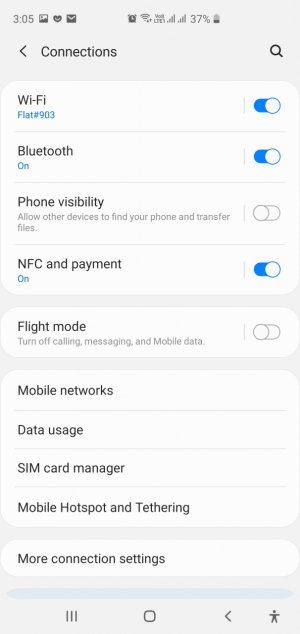
These are the connection setting options in the screenshots.
 

Attachments

  • Screenshot_20200218-150506_Settings.jpg
    Screenshot_20200218-150506_Settings.jpg
    97.3 KB · Views: 7
  • Screenshot_20200218-150501_Settings.jpg
    Screenshot_20200218-150501_Settings.jpg
    127 KB · Views: 7
If you tap Settings, Connections, WiFi, you should see all the wifi networks discoverable by the phone.
 
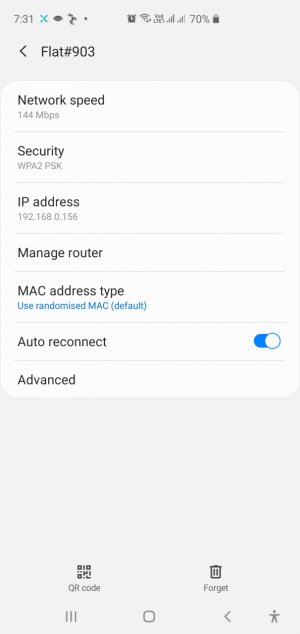
The screenshot shows what I see when I tap on Wi-Fi and my network. If I then tap on router it ssks for the password which I don't have.
 

Attachments

  • Screenshot_20200218-193127_Settings.jpg
    Screenshot_20200218-193127_Settings.jpg
    98.4 KB · Views: 9
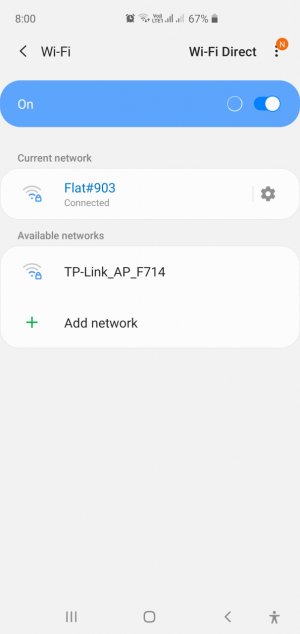
As you Can see in the screenshot, I do not have this option.
 

Attachments

  • Screenshot_20200218-200004_Settings.jpg
    Screenshot_20200218-200004_Settings.jpg
    88.5 KB · Views: 9