What happened to Battery Usage (apps used) used in the Battery Usage App

kbboykin

Well-known member
Jan 26, 2011
873
249
43
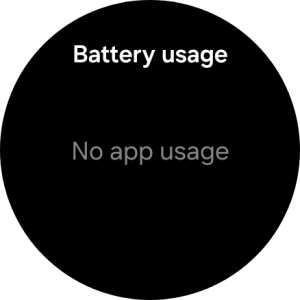
Every since I've updated my watches (GW 8 classic, 2 Ultra's (2025), GW7, and GW6 classic) whenever I tap on the Battery Usage complication on my watch, it shows the time left, but when I tap on the Battery Usage I invariably get "No app usage". Anybody else getting this and is there a known fix/workaround? TIA
 

Attachments

  • Screenshot_20260405_123258_Battery.png
    Screenshot_20260405_123258_Battery.png
    17.6 KB · Views: 14
  • Like
Reactions: BerryBubbles
I’ve never looked at this until you mentioned it. I’m getting the same “no app usage” message. Hmmm. Not good Bob.
GW7 One UI 8.0, all updates current.
 
  • Like
Reactions: kbboykin
I had this on my watch 8 classic about a month ago, right after a software update.

Thought it would fix itself, so I let it go for a week or two.

I had to do a full factory reset and restore as a new watch in order to get it to see the app usage again.

That fixed it for me.
 
  • Like
Reactions: BerryBubbles
I finally updated my Watch 6 Classic today. I wiped the cache partition on the watch after the back to back updates completed but the 'no app usage' problem is there. 😏

I'll check in a few hours after the updates settle in. Not holding my breath....

I'm not ready to factory reset as I'm on the 8.5 beta on my s24u & the wearable app notifications went ballistic during the updates. I had 119 identical notifications (2 seconds apart) from the wearable app before I turned off the app's notifications. I'll have to submit a report. It was brutal.
 
  • Like
Reactions: mustang7757
