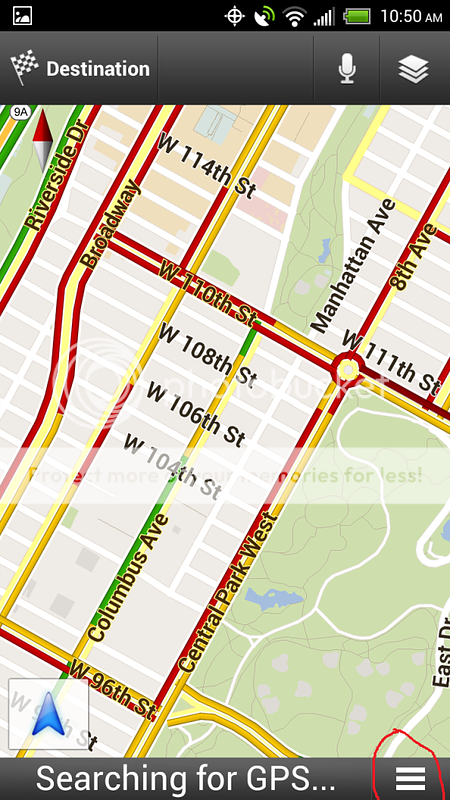
I just got the new evo 4g lte. When using google navigation I cannot find the menu button.
I had to quit using navigation because I was not able to stop the NAV voice commands.
I had that same problem. What you have to do is...
When on the navigation and the voice is talking to you, hit the back button on the phone (one of the three physical buttons on the bottom). It will prompt you to quit the navigation and it will shut up.
I had that same problem. What you have to do is...
When on the navigation and the voice is talking to you, hit the back button on the phone (one of the three physical buttons on the bottom). It will prompt you to quit the navigation and it will shut up.
When I do that (which I did) it exits the navigation. How did you restore that menu button. Do I need to wait for an update (I have the latest version)
Didnt you want to stop the navigation? Or do you just want silence? If the latter, cant you just turn down the volume with the volume buttons like any other app?





 Facebook
 Twitter
 Instagram