
AT&T Galaxy Note 2 Screenshots: Lets see them
- Thread starter Paul627g
- Start date
You are using an out of date browser. It may not display this or other websites correctly.
You should upgrade or use an alternative browser.
You should upgrade or use an alternative browser.

JayRatliff
Well-known member
- Nov 28, 2012
- 70
- 0
- 0
Just a preview.....
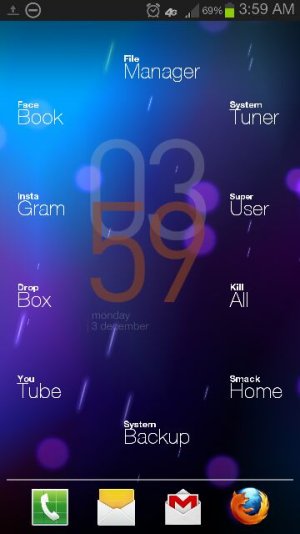
SU and social apps
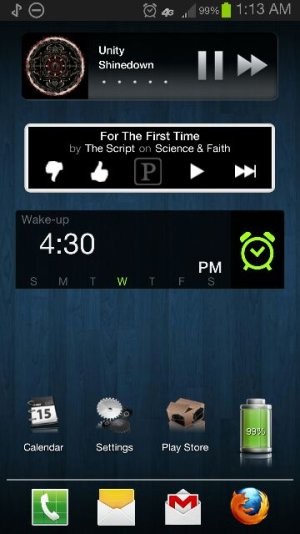
Tunes, alarm, and settings
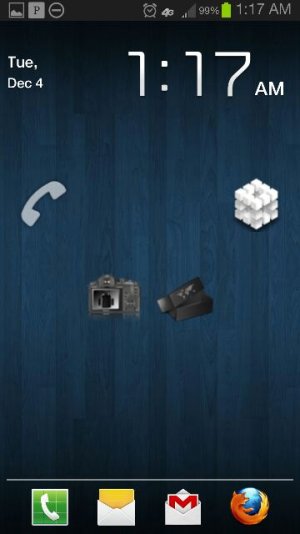
Circle Menus
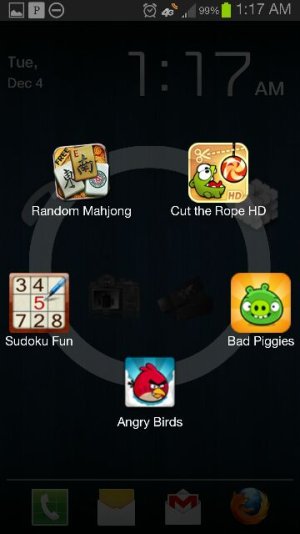
Games menu
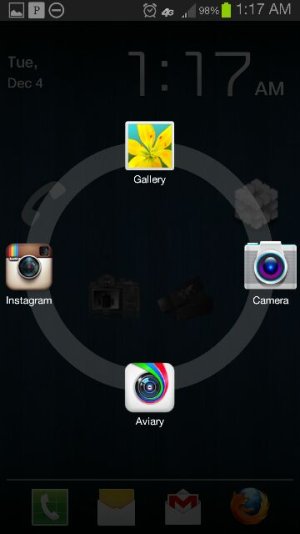
Camera circle menu
Credits:
Apps- Nova Launcher
Circle Launcher
Simple Text
Bob clock 3D
Theme Icons - Yorks AWD black icon pack
Lovin my Note 2!!
SU and social apps
Tunes, alarm, and settings
Circle Menus
Games menu
Camera circle menu
Credits:
Apps- Nova Launcher
Circle Launcher
Simple Text
Bob clock 3D
Theme Icons - Yorks AWD black icon pack
Lovin my Note 2!!
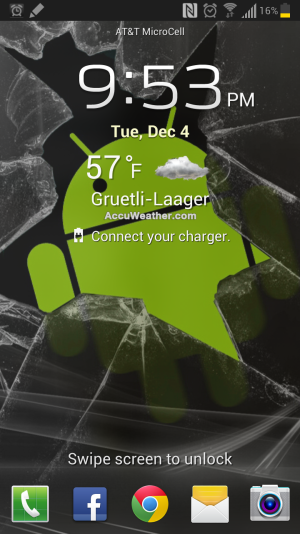
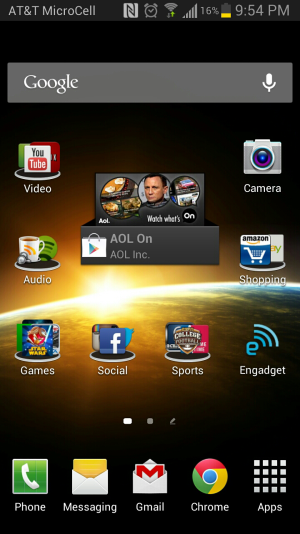
I posted mine on XDA's site...here is what I wrote there:
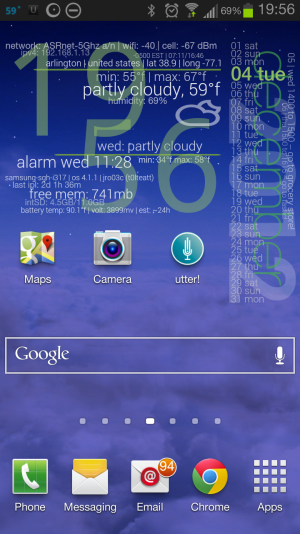
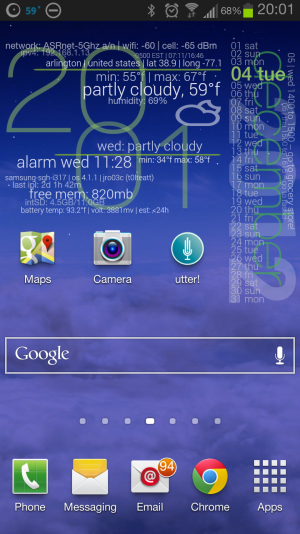
Cool home/lock screens. I guess I'd have to root+ ROM my Note2 to customize the lock screen...but, in the meantime, I'll add my home screen that I just finished customizing with Zooper Widget Pro.
Pretentious, minimalistic (ok style-wise, not content ) like a lot of the others. Would look best on a static dark color background, but i have the blue sky live changing to sunset->nighttime, etc for now.
Two font styles for the clock widget...Two widgets overall...the calendar one: I customized as 1x3 (the dev had a 2x4 template, but I squeezed it to obtain more space). The clock is 3x2 using a monospace font in one and a font called 'Walkaway' for the other variation of style. Not sure if I'm settled on either as the clock font, but there are many ways to alter those styles with transformation features to the fonts as well as other fonts.
In anycase, I also like that the widget isn't too harsh to my battery life/CPU and has system info at the ready (free mem, network/signal strength, next couple of events in cal, etc). And I have also set the modules to launch apps like calendar, alarm, maps, accuweather when you touch those areas within the widgets. Saves me from having those app icons on the home screen/keeps this functional as well as informative.
The Zooper dev now also put in a feature for importing templates...so that is good for those who want to share, although, I am not sure if that could be done with just saving and copying those template files to some Zooper directory anyway.
BTW, testing it (to make sure the variables/modules looked ok when they changed) was fun, but I couldn't change the year past 2012!! Would I have to root/ROM my phone to do that? haha
Cool home/lock screens. I guess I'd have to root+ ROM my Note2 to customize the lock screen...but, in the meantime, I'll add my home screen that I just finished customizing with Zooper Widget Pro.
Pretentious, minimalistic (ok style-wise, not content ) like a lot of the others. Would look best on a static dark color background, but i have the blue sky live changing to sunset->nighttime, etc for now.
Two font styles for the clock widget...Two widgets overall...the calendar one: I customized as 1x3 (the dev had a 2x4 template, but I squeezed it to obtain more space). The clock is 3x2 using a monospace font in one and a font called 'Walkaway' for the other variation of style. Not sure if I'm settled on either as the clock font, but there are many ways to alter those styles with transformation features to the fonts as well as other fonts.
In anycase, I also like that the widget isn't too harsh to my battery life/CPU and has system info at the ready (free mem, network/signal strength, next couple of events in cal, etc). And I have also set the modules to launch apps like calendar, alarm, maps, accuweather when you touch those areas within the widgets. Saves me from having those app icons on the home screen/keeps this functional as well as informative.
The Zooper dev now also put in a feature for importing templates...so that is good for those who want to share, although, I am not sure if that could be done with just saving and copying those template files to some Zooper directory anyway.
BTW, testing it (to make sure the variables/modules looked ok when they changed) was fun, but I couldn't change the year past 2012!! Would I have to root/ROM my phone to do that? haha
Attachments
Last edited:

bigoldthor
Well-known member
- Apr 13, 2011
- 428
- 1
- 0
Nothing too outrageous or exotic here. I like a nice, clean look with easy access to my most-used apps.

aaronbuescher
Well-known member
- Apr 27, 2012
- 136
- 0
- 0
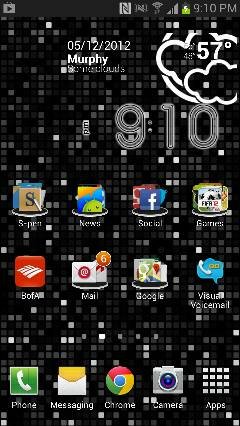
Nothing too outrageous or exotic here. I like a nice, clean look with easy access to my most-used apps.
http://i129.photobucket.com/albums/p207/ldater/Screenshot_2012-12-05-16-33-03.png
How did you achieve that look?
bigoldthor
Well-known member
- Apr 13, 2011
- 428
- 1
- 0
The clock and weather are Beautiful Widgets "4x2 Clock #1". I don't remember exactly which themes I used since they got deleted this week (my mistake). I think the clock widget theme was "(something) Faded"? The weather widget theme was probably either Weatherpod or something similar. I change them up frequently. I also set the clock and weather widget backgrounds to transparent.How did you achieve that look?
The folder icons are from Nova Launcher with Folder Background "Platform". The other icons are from the "Stock Jellybean" Icon Pack within Nova.
The wallpaper was the "Bubbles" stock live wallpaper. Of course you can't see in the screenshot that the bubbles are moving.

The clock and weather are Beautiful Widgets "4x2 Clock #1". I don't remember exactly which themes I used since they got deleted this week (my mistake). I think the clock widget theme was "(something) Faded"? The weather widget theme was probably either Weatherpod or something similar. I change them up frequently. I also set the clock and weather widget backgrounds to transparent.
The folder icons are from Nova Launcher with Folder Background "Platform". The other icons are from the "Stock Jellybean" Icon Pack within Nova.
The wallpaper was the "Bubbles" stock live wallpaper. Of course you can't see in the screenshot that the bubbles are moving.
Thanks. If I get a Note 2 I may go for a similar look.

aaronbuescher
Well-known member
- Apr 27, 2012
- 136
- 0
- 0
johnny football should be on there!
Sent from my SAMSUNG-SGH-I317 using Tapatalk 2

BOSSY TEXAS CHICK
Well-known member
- Mar 2, 2011
- 641
- 31
- 0

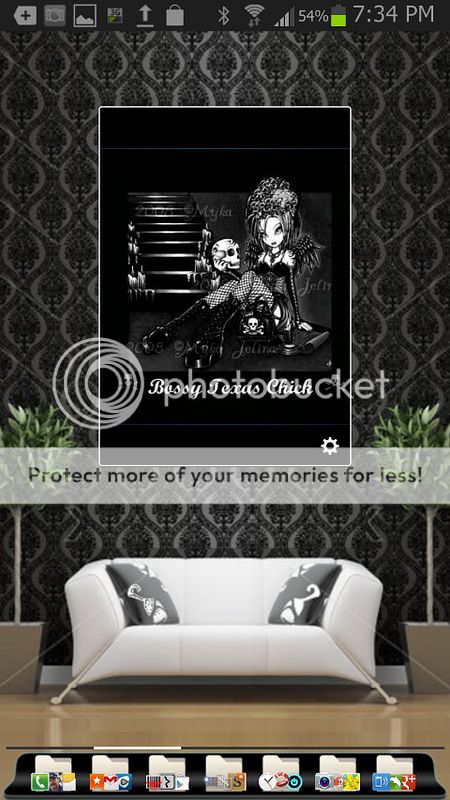
ratchetjaw#AC
Well-known member
- Oct 27, 2009
- 435
- 9
- 0


aggie
Well-known member
- Apr 28, 2010
- 924
- 51
- 28
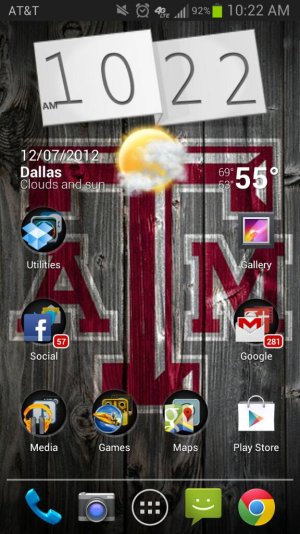
johnny football should be on there!
Not the best look but it will do for now!
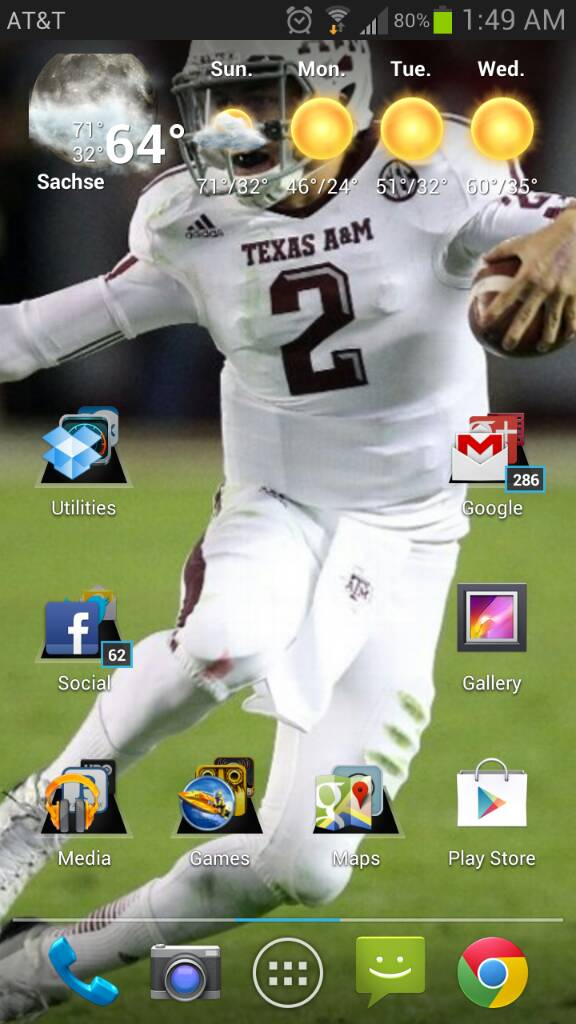
Sent from my SAMSUNG-SGH-I317 using Tapatalk 2
aaronbuescher
Well-known member
- Apr 27, 2012
- 136
- 0
- 0
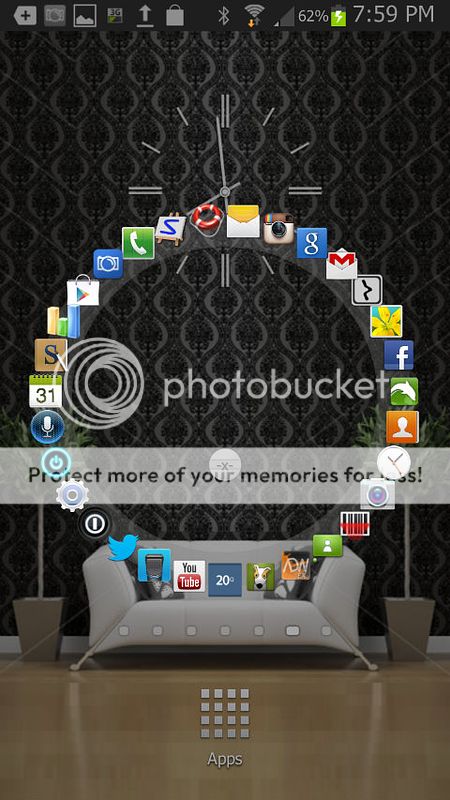
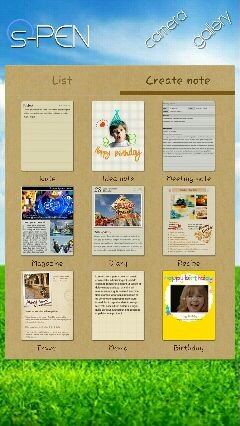
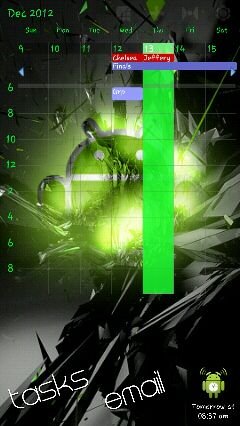
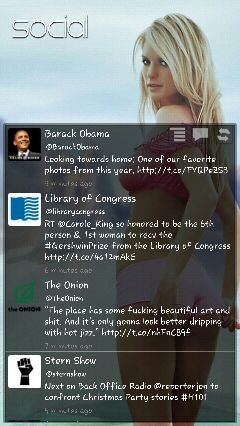
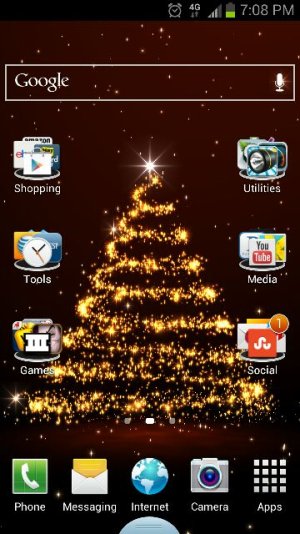
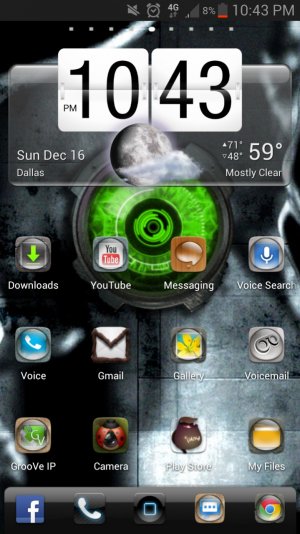
Go launcher, circle launcher, multi picture live, simple text widget, various widgets
Sent from my SAMSUNG-SGH-I317 using Android Central Forums
Sent from my SAMSUNG-SGH-I317 using Android Central Forums
Attachments
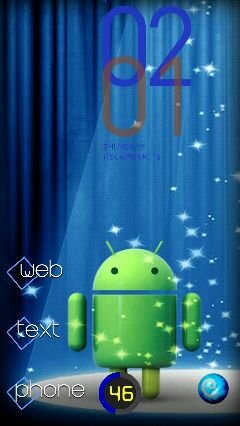
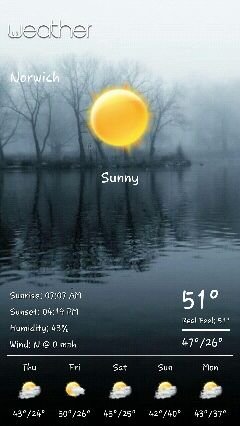


surebuttercringe
Well-known member
- Nov 11, 2012
- 71
- 0
- 0

Similar threads
- Replies
- 4
- Views
- 1K

- Replies
- 2
- Views
- 2K

- Replies
- 3
- Views
- 30K
- Replies
- 11
- Views
- 5K


Trending Posts
-

-
-
 Excellent video delving into issues affecting battery life
- Started by PsychDoc
- Replies: 0
-
-

Members online
Total: 4,073 (members: 10, guests: 4,063)
Forum statistics

Space.com is part of Future plc, an international media group and leading digital publisher. Visit our corporate site.
© Future Publishing Limited Quay House, The Ambury, Bath BA1 1UA. All rights reserved. England and Wales company registration number 2008885.
 Facebook
 Twitter
 Instagram