
- Jun 12, 2017
- 1
- 0
- 0
I have a OnePlus 3 running Android 7.1.1 with Oxygen OS 4.1.3 (OnePlus default stock).
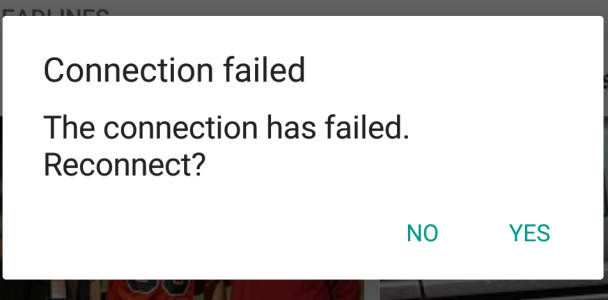
Everytime I turn Bluetooth on I get the following message:
"Connection failed
The connection has failed.
Reconnect? No / Yes"
(See image https://ibb.co/fMX7na)
The message keep popping up regardless of the Yes/No selection, I only have 3 Bluetooth devices I can connect to:
- Car
- Navdy
- Bluetooth speaker (Phoenix 2 by beacon)
This happen even if none are around.
I cleared my cache, and I still have 25Gig available.
Does anybody know how to prevent that error message popping up all the time (other than having Bluetooth off).
It keep popping up every minutes or so.
Thank you
Everytime I turn Bluetooth on I get the following message:
"Connection failed
The connection has failed.
Reconnect? No / Yes"
(See image https://ibb.co/fMX7na)
The message keep popping up regardless of the Yes/No selection, I only have 3 Bluetooth devices I can connect to:
- Car
- Navdy
- Bluetooth speaker (Phoenix 2 by beacon)
This happen even if none are around.
I cleared my cache, and I still have 25Gig available.
Does anybody know how to prevent that error message popping up all the time (other than having Bluetooth off).
It keep popping up every minutes or so.
Thank you



 Facebook
 Twitter
 Instagram