

- Dec 21, 2009
- 152
- 100
- 43
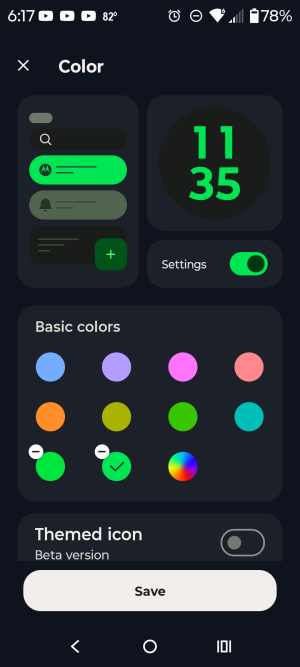
I see how to touch a blank area on the screen and enter personalize and colors and lock screen.
After I chose a new color, over black and white and saved. It didn't change.
I searched for reasons why and made sure any settings like high contrast they pushes black and white, was off. And other possible confusing settings. Cleared cache in settings. Restarted. Tried different lock screen clocks, too.
Other things had their color changed to what I selected, though. Just not the clock on lock screen.
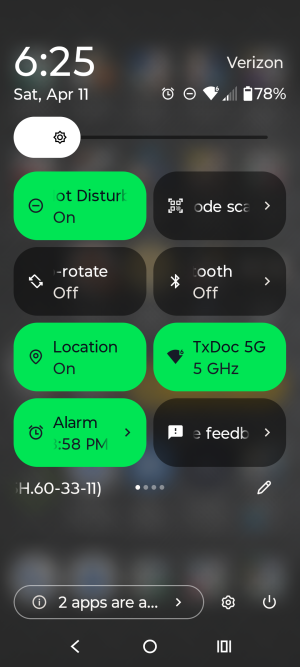
Screenshots attached
Thank you for any suggestions
After I chose a new color, over black and white and saved. It didn't change.
I searched for reasons why and made sure any settings like high contrast they pushes black and white, was off. And other possible confusing settings. Cleared cache in settings. Restarted. Tried different lock screen clocks, too.
Other things had their color changed to what I selected, though. Just not the clock on lock screen.
Screenshots attached
Thank you for any suggestions



 Facebook
 Twitter
 Instagram