Jagged images on Samsung a50

  • Thread starter Thread starter Android Central Question
  • Start date Start date
A

Android Central Question

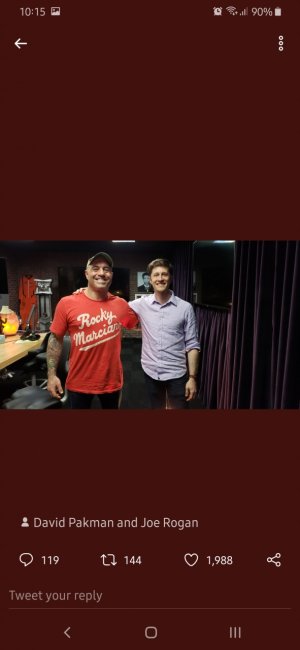
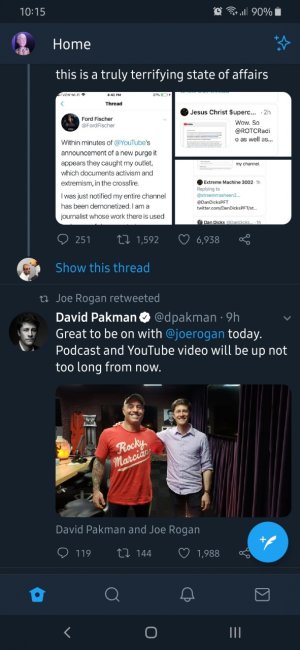
Since i got the device images on twitter and youtube have jagged edges
 
Welcome to Android Central! Are you talking about the videos on YouTube, or only still images? Is it only the images that look jagged, or are the fonts also unusually large?
 
Welcome to Android Central! Are you talking about the videos on YouTube, or only still images? Is it only the images that look jagged, or are the fonts also unusually large?

Twitter pictures in the feed are jagged when i open them the look ok. On YouTube not that bad as twitter.
Example
Screenshot_20190606-101523_Twitter.jpg Screenshot_20190606-101510_Twitter.jpg
 
This looks like a product of your screen resolution because the screenshots look perfectly fine to me. You would have to take a picture of the actual screen with a secondary camera for us to see what you mean. It's an A series so I'm not sure if it has variable screen resolution but yes low resolution displays will look choppy or pixelated when displaying high resolution images on a smaller scale. Once opened the image is larger the pixels less dense and it renders better. Screen capture isn't dependent on your display resolution and therefore is a truer image.
 
Were they the same type of screen? SLED, OLED, AOLED....? The same size? I mean I could be wrong but to me the two images you submitted look the same. Do they look the same to you when you view them and when you zoom them?
 
So when i zoom in the second photo the one with the twitter feed i still see it jagged. the screen on my old phone was an ips this is super amoled. When i sent the image to that phone it looked the same thats why i think its software related. I first started to notice this after the last samsung update. The day i purchased the device i didnt notice anythig then later that day after the update it looked like this
