

- Sep 8, 2012
- 2,092
- 1
- 38
I've downloaded a notification sound and applied it to Messages+ but it isn't using the sound. It shows in the Customization screen of Messages+ but uses a standard Samsung sound instead. I also downloaded the file on my PC, emailed it to my phone. I thought I'd be able to move it to the folder where Samsung sounds are but I can't (nor can I find the folder). I did this easily with my S7. And I had an app (can't remember the name of it) on my S5 that allowed me to see contents of folders and move files around. Soooo, any idea how I can make this sound file "stick" to Messages+? The ringtone I'm using from Zedge as a default ringtone is working. And if it helps, this same notification worked in Messages+ on my S7.
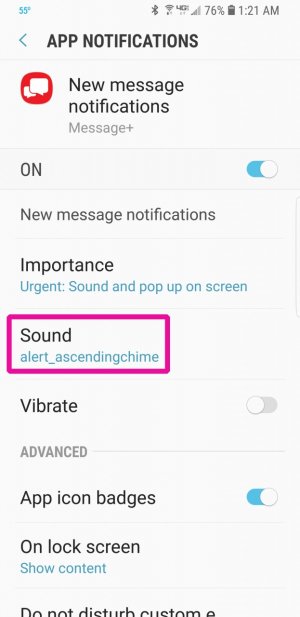
 I've been using my husband's phone to send text messages to my phone while working on this problem. The notification sound set to his contact was different than the one I set globally for text messages. I've changed it and NOW I CAN GO TO BED because it's working
  Whew!
Whew!



 Facebook
 Twitter
 Instagram