

- Aug 31, 2019
- 12
- 0
- 0
Hey guys,
So I traded in my Note 8 for a Note 10+ in Aura Black and I love it! I backed everything up to an SD card before handing it in but I kinda wanted to start fresh with my new phone. I was concerned that if I did a full restore from my Note 8, something might hinder the performance like spyware/adware, etc. same as what happens after using the same computer for so long.
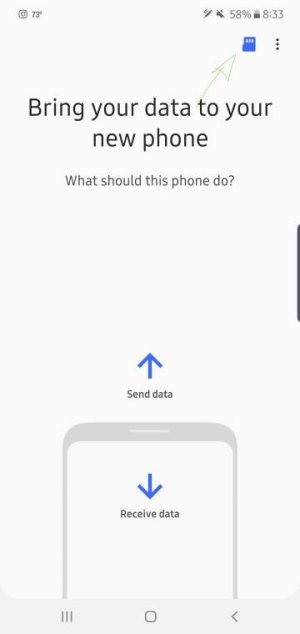
Anyway, I was wondering if there was a way to manually add specific apps from the back up. I don't think it gives you the option to pick and choose which apps you want to copy using Smart Switch.
Is there a way to do this?
So I traded in my Note 8 for a Note 10+ in Aura Black and I love it! I backed everything up to an SD card before handing it in but I kinda wanted to start fresh with my new phone. I was concerned that if I did a full restore from my Note 8, something might hinder the performance like spyware/adware, etc. same as what happens after using the same computer for so long.
Anyway, I was wondering if there was a way to manually add specific apps from the back up. I don't think it gives you the option to pick and choose which apps you want to copy using Smart Switch.
Is there a way to do this?





 Facebook
 Twitter
 Instagram