- Feb 4, 2011
- 1,656
- 125
- 63
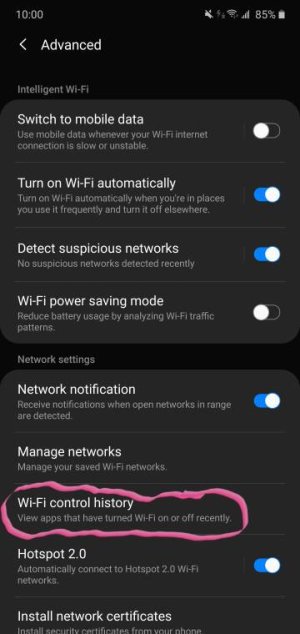
Maybe the "Settings/Connections/WiFi/Advanced/Turn on Wi-Fi automatically" is enabled? That feature, if on, apparently turns on WiFi when you are in frequently visited places.
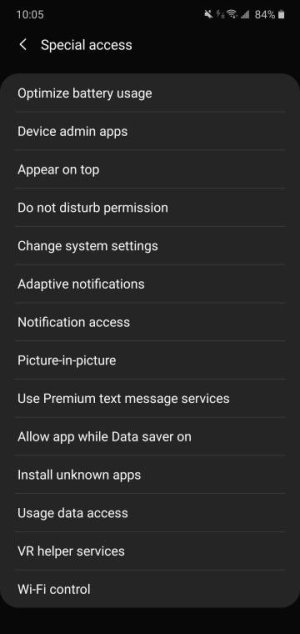
Look at what controls wifi history , also check in settings type special access in search bar and tap it under wifi control tap disable apps thereView attachment 318575View attachment 318576
Go to your Network and Internet settings. Look for Wifi. Move the slider to OFF. Your WiFi should not come on unless the slider is turned On. If the slider is turned to On then, those other things you say could happen depending on phone, carrier and network settings and other mysterious reasons.
Glad to hear it , your welcome!Yes no more problems. Thanks