
Hi.. im new here.
Still cannot solve this problem.
Im from Mexico, using Telcel, brand new S5, stock firmware...
downloading free apps with no problem at all, 2 days ago, I decided try to download paid apps. playstore asked for my credit card number and other info, but when i click on the app to download i get this message:
error processing purchase bm-cch-19
go to google wallet etc..
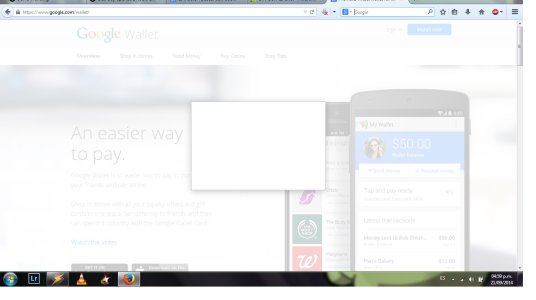
first of all, i cannot creat an acount on google wallet because that app is not available here in Mexico.
So i cannot purchase nothing from playstore.
I´ve tried to erase my account and add again with no succes, clear cache and everything, doesnt work. what do u guys suggest.
thanks in advance :'(
Still cannot solve this problem.
Im from Mexico, using Telcel, brand new S5, stock firmware...
downloading free apps with no problem at all, 2 days ago, I decided try to download paid apps. playstore asked for my credit card number and other info, but when i click on the app to download i get this message:
error processing purchase bm-cch-19
go to google wallet etc..
first of all, i cannot creat an acount on google wallet because that app is not available here in Mexico.
So i cannot purchase nothing from playstore.
I´ve tried to erase my account and add again with no succes, clear cache and everything, doesnt work. what do u guys suggest.
thanks in advance :'(




 Facebook
 Twitter
 Instagram