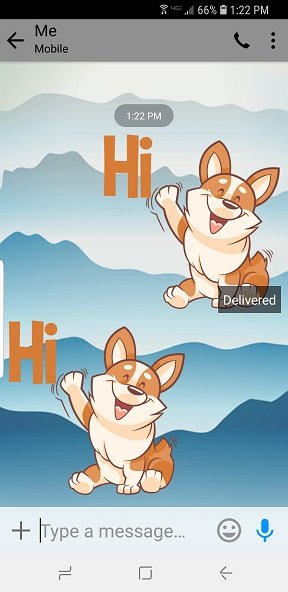
Changing text message background on galaxy s9 plus

  • Thread starter Thread starter Android Central Question
  • Start date Start date
hmmm, I am using the perfect keyboard app since I like the T9 layout. with that said, it looks like I don't have Any emojis. I changed back to the stock text Messaging app, and it looks like my emojis are there. So, it looks like my perfect keyboard app will not allow any emojis.

Man, I miss the t9 layout. Took me years to finally get used to the normal one.
 
I called and was told that Samsung took this feature away on newer models with the software update. They also removed personalized text tones as well. I just upgraded from the S8 and noticed that disappeared after my last update.

When you edit the contact and hit more there is a spot to load a personalize ring tone.
 
Hi,
I like the Samsung S9 but really missing some features from the S7 and S4. Can't change the background in my text message is a big disappointment for me. Including not able to lock the messages that others send you.

Unless I'm doing it wrong l use to be able send /receive pictures without putting my data on. Now it seems like l have to. Is there a settings in text message that l need to do to allow to receive &send?
 
I called and was told that Samsung took this feature away on newer models with the software update. They also removed personalized text tones as well. I just upgraded from the S8 and noticed that disappeared after my last update.


I just went through this myself and found out that they put it back with lady update although they put it back differently.
You assign the diff text text tones to the conversation not to the contacts.
So while in as confession detect settings, click notifications and detect custom. Choose your tone.
 
I called and was told that Samsung took this feature away on newer models with the software update. They also removed personalized text tones as well. I just upgraded from the S8 and noticed that disappeared after my last update.

You can still do personalized text tones. I have the Note 9 and my Note 8 had it as well.

Click on the 3 dots in the top right of the text message and you can do custom alerts there.

As for the background and chat bubbles, yeah I hate themes. I don't want to modify all the other things, I just want to add wallpaper to my text messages and adjust the color of the chat bubbles. I wish they hadn't removed that.