I know I'm stupid and just missing it, but where in the launcher pro settings do you select how many shortcuts you have in the dock bar? I have five, including the app drawer and have gone through it multiple times looking and not found it. To obviously change it to four to use with this dock bar.
What clock is this?

Oh nice, I like how your icons look like they are sitting on top of a stone or something. I too go back and forth between Simi and Circle Launcher.
![]()
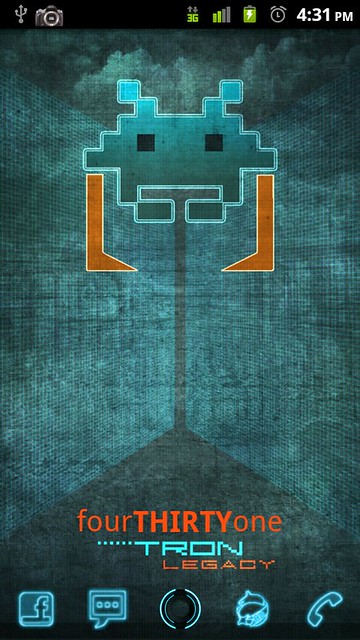
Apex 1.3.1, ADWLauncher EX (with secondary dock hidden), Tron theme and a Recognizer/Space Invaders wallpaper modified to fit the phone's resolution.
Hardly ever do I need to switch screens.
What clock is this?
I am pretty sure that is Clockr Evolution (it includes both the clock & calendar). If you want a similar app for free, check out "Minimalistic Text"... it is great & did I mention FREE??How did you get calendr and clockr so close together?
![]()
Sweet and simple
Sent from my DROIDX using Tapatalk
How did you get calendr and clockr so close together?
Here's my minimalist theme. I rock three screens in most my themes. Home page, swipe back for tools, forward for media. Games, Photo, Music text all connects to circle launcher which opens up related apps, and so does that little app drawer icon thing on the homescreen. I'm digging this right now.
![]()
![]()
![]()
![]()
The plus sign in the dock used to connect to simi folders. But I switched back to Folder Organizer recently. It's just way more customizable. I wanted to have my contacts folder, google voice, gesture search as well as a few direct dials - simi folder couldn't hang. I also hate that denim background on the pop ups.
I am pretty sure that is Clockr Evolution (it includes both the clock & calendar). If you want a similar app for free, check out "Minimalistic Text"... it is great & did I mention FREE??
what rom/theme is this? That google search bar is flyyy.