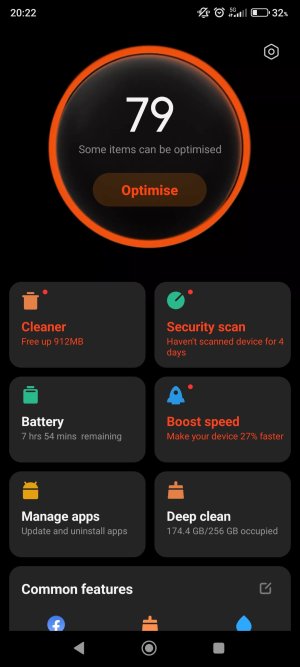
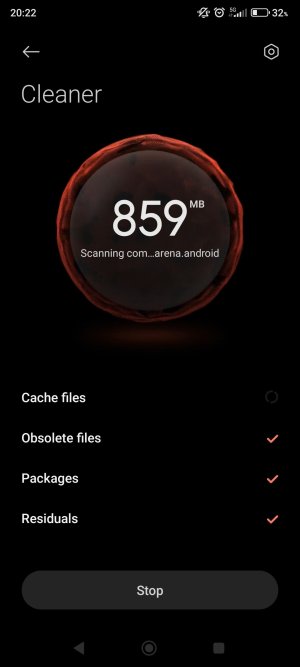
The problem with cleaner apps is that they often try to kill apps in the background in a misguided attempt to improve battery life and speed up the device. But this isn't how Android is designed. Android is meant to keep a good amount of RAM occupied by apps, to make switching between apps quicker and more efficient. When a cleaner kills an app in the background, the system will often either restart that app or start another app to take its place -- each instance of killing and then restarting an app takes some power, and in the long run can lead to worse performance and battery life overall.





 Facebook
 Twitter
 Instagram