Transfer files from Mac to S5

thatoneguy92

New member
Jul 3, 2015
4
0
0
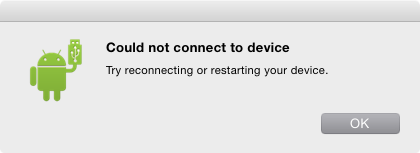
I cannot transfer files from my Mac to my Galaxy S5. I've tried using the Android File Transfer but I get this error:

Untitled.png
 
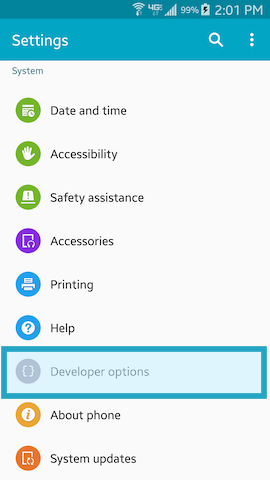
First, make sure you are using the cable that came with the phone. Go into developer options and check the box labeled USB debugging.
There will still be some difficulty, but if you persist, you will succeed.
Good luck! 😎

Yea, heavy and a bottle of bread.
 
Last edited:
Okay, so I enabled developer options and USB debugging. When I plugged the phone into my Macbook and started Android File Transfer, I still get the same error...

Screenshot_2015_07_03_14_01_23.png
Screenshot_2015_07_03_14_01_32.png
 
Just unplug and replug until the Android file manager shows up. Sometimes it takes a few times or more. Make sure you are using the cable that came with your phone.
Also, when transferring files, it may crash if the files are too big. In that case you need to open the file you are transferring and do it piecemeal. It is a good idea to check each large file that has been transferred to be sure it's all there.
I know this is a pain, but it can be done. Persistence is the key.
Good luck.

Yea, heavy and a bottle of bread.
 
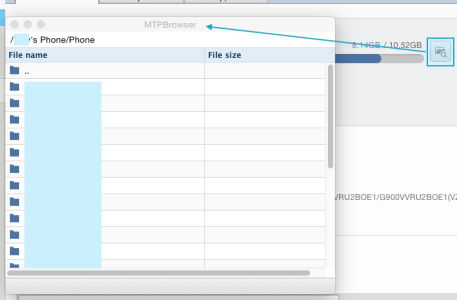
I figured it out! I installed Kies 3.0 for Mac and now I can use MTPBrowser to upload / download files. I'm not sure if enabling USB debugging helped or not...?

mtpb.png