

- May 16, 2021
- 1
- 0
- 0
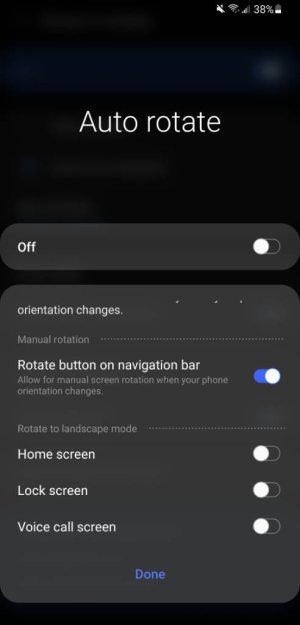
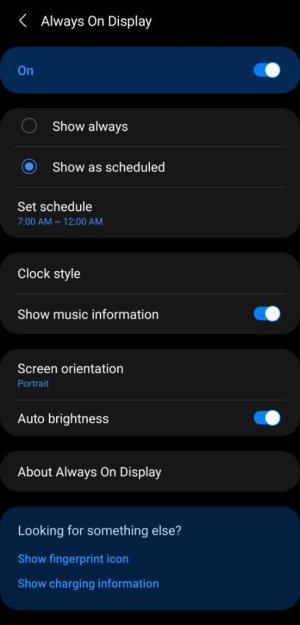
I read you can get landscape AOD time on S10...is the option available for the S21?...will it autorotate like every other screen or do you have to manually select 'landscape'?
I ask as my case has a built in kickstand but only to use in landscape mode, so at night-time in particular it would be useful to display the AOD clock thus...my Note 9 couldn't do this, very annoying.
Thanks!
I ask as my case has a built in kickstand but only to use in landscape mode, so at night-time in particular it would be useful to display the AOD clock thus...my Note 9 couldn't do this, very annoying.
Thanks!





 Facebook
 Twitter
 Instagram