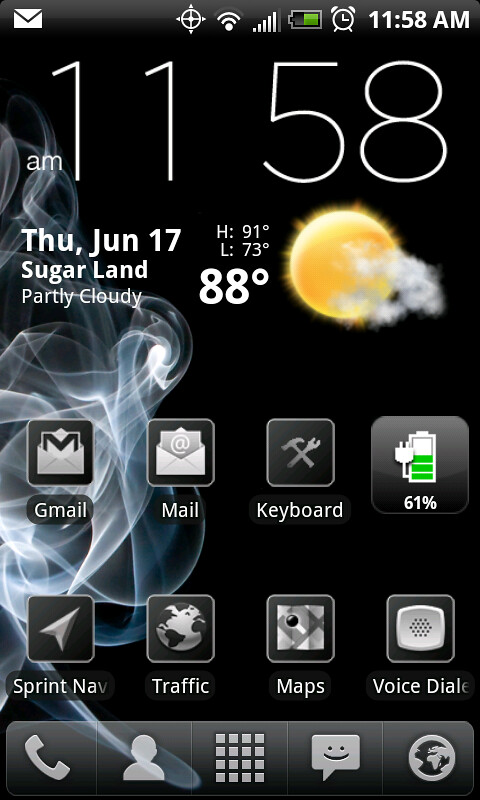
That is the home widget from the Beautiful Widgets package. I think the package cost around $2. It lets you skin the widget. That particular skin is Black Cashmere with the background turned off.
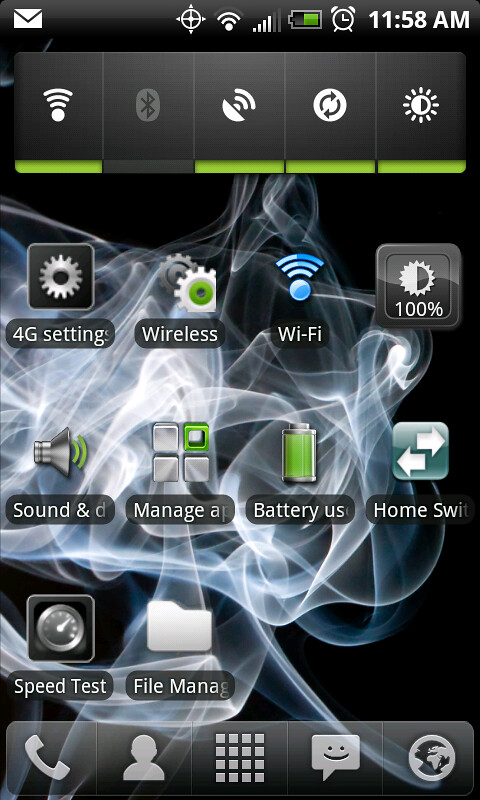
What is the widget you have on first screen that just says Wi-Fi, its not the standard HTC WiFi widget that comes with phone, what app or widget is that? I have seen it on others as well?
My layout would probably make most people except Pre owners vomit.
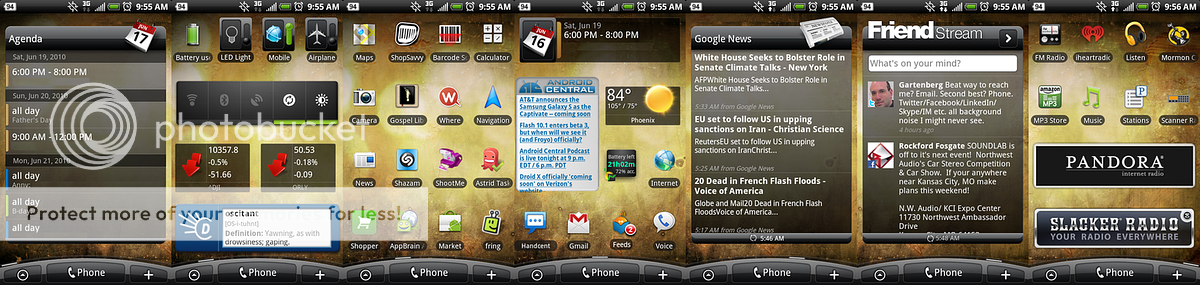
Launcher Pro with 7 home screens with phone, text, all apps, email and internet on the dock.
Screen 1 is default and only contains the Smaller Home Beautiful Widget.
Screen 2 contains my most frequently used apps.
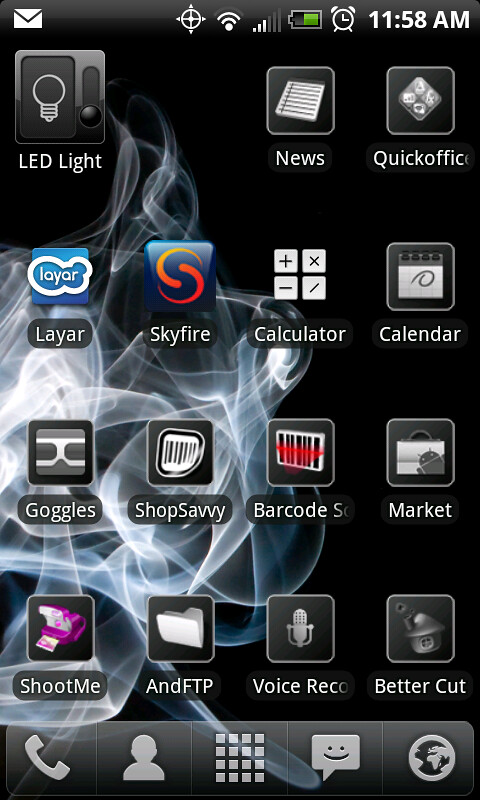
Screen 3 contains the plethora of Google apps that I use or are otherwise good for showing off the phone.
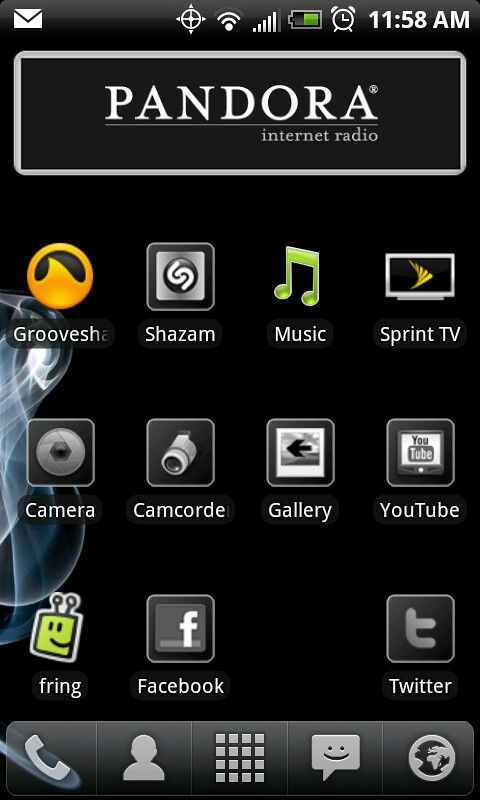
Screen 4 contains other apps like Shazam, Layar and MixZing.
Screen 5 contains phone utilities like camera, camcorder, and all the different voice apps.
Screen 6 contains productivity apps like contacts, notes and calculator.
Screen 7 contains marketplace/shopping (hidden away here to help me avoid impulse buys) and system utilities.
No widgets except for Search on the Google screen. I laid it out this way so I could get used to Android using an interface similar to the Pre. I'm really not a fan of the gigantic super-scrolling one tall page of apps that Android features.
I'm glad to have the ability to change it around should I choose to at a later time.
I have to know what widget you are using for battery left please? How did you get it to tell you 21 hours 9 minutes left etc? Or does anyone know what the widget is?





 Facebook
 Twitter
 Instagram