- Feb 6, 2017
- 98,105
- 14,233
- 113
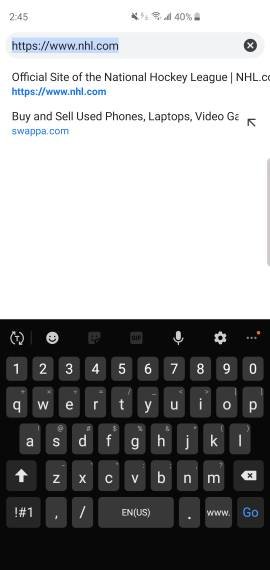
Whenever the keyboard is up there's an option to switch when you pull down the notification tray.I haven't figured out how to do that quickly without going into settings.
I thought there was supposed to be a toggle right from the keyboard but I don't see it
This is what happened with me... and I rarely go back.
Gear icon in keyboard
Whenever the keyboard is up there's an option to switch when you pull down the notification tray.
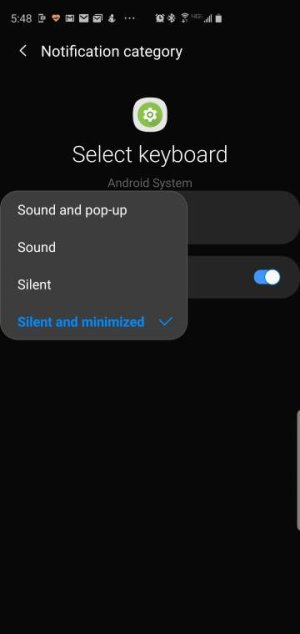
Did you go through the setup process for the Gboard app? Maybe since it's not fully setup you don't have a second keyboard available which is why you're not seeing the option. Or maybe that notification is turned off. Go to settings, notifications, in the top right choose to see system, then go to Android System and scroll all the way down until you see Select Keyboard and see if that's turned off.I've read that in a search but don't see it
Did you go through the setup process for the Gboard app? Maybe since it's not fully setup you don't have a second keyboard available which is why you're not seeing the option. Or maybe that notification is turned off. Go to settings, notifications, in the top right choose to see system, then go to Android System and scroll all the way down until you see Select Keyboard and see if that's turned off.
I have the keyboard available....just looking for an easy toggle
I thought there might be a quicker way to toggle
From the notification is the easiest way I know.
Ah, ok. Glad you found it.Figured out my problem. It's because I'm hiding the navigation bar
From the notification is the easiest way I know.